AI Full-Body Photo Generator: Beyond Just Headshots
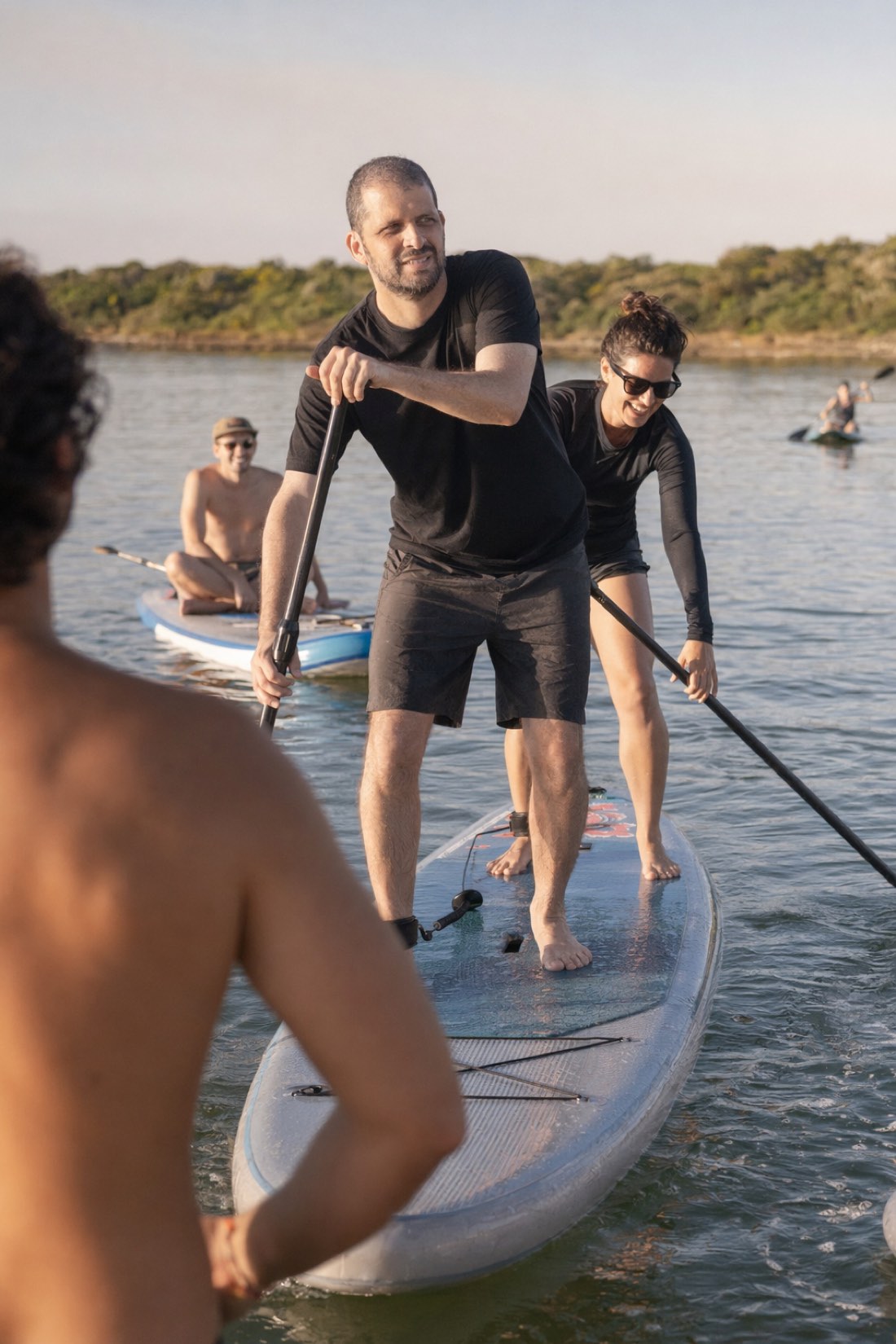
Most AI photo tools quietly stop at the neck. They generate a face on a blurred background and call it a portrait, because anything below the shoulders is where AI struggles. A full-body AI photo generator does the harder thing: it creates realistic, head-to-toe images of you that keep your actual proportions, posture, and build.
That difference matters more than it seems, especially for dating and social profiles. Here's why full-body is hard, how to judge a good result, and what to upload to get one.
Why full-body photos matter
A profile of nothing but headshots sends a quiet signal: what's being cropped out? Full-body photos do real work:
- They build trust. Showing your full self reads as confident and honest, the opposite of hiding.
- They show your build accurately. On dating apps especially, an honest full-length shot prevents the awkward in-person mismatch.
- They look like real life. People exist in settings, doing things, not floating as a disembodied face.
A strong profile mixes a closer shot where your face reads clearly with full-length photos that show the whole picture. Headshot-only tools can't give you the second half.
Why full-body is hard for AI (and how to spot a bad one)
A headshot hides the difficulty. Full-body exposes it. To render you head-to-toe, the AI has to get several hard things right at once:
- Proportions, head-to-body ratio, limb length, overall build.
- Hands, the classic AI failure: extra fingers, melted shapes.
- Posture, a natural stance, not a contorted mannequin.
- The whole scene, feet on the ground, believable perspective, consistent lighting.
When you review full-body results, check the hands, feet, joints, and proportions first. That's where weak generators give themselves away. A good one keeps your build natural and your hands intact.
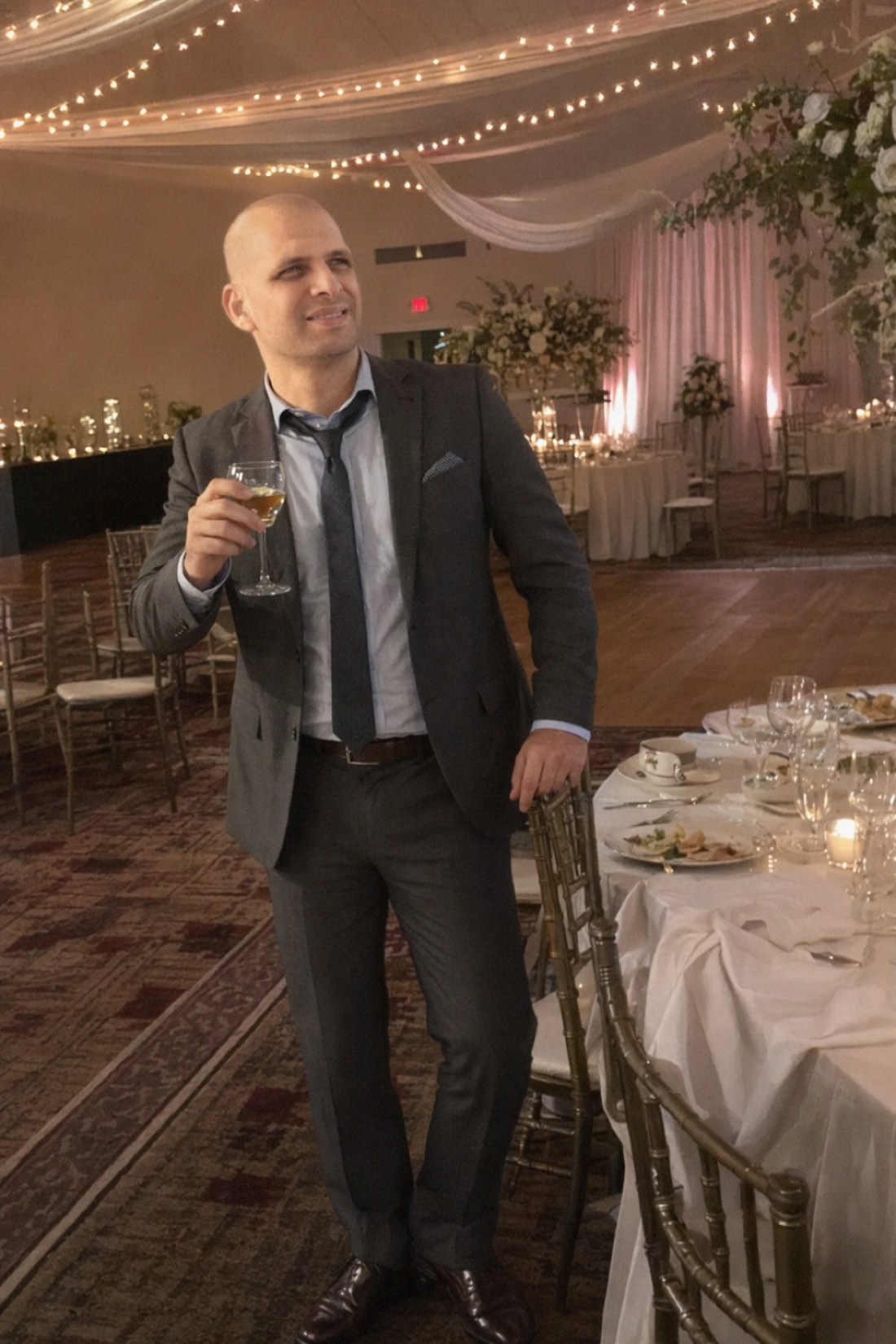
How CMeIn generates full-figure photos
CMeIn is built for full-figure, candid photos rather than cropped headshots:
- Upload reference photos, clear, recent shots that show your face and body.
- Pick a scene, dating, social, travel, outdoors.
- Generate, realistic full-figure photos that preserve your face and your proportions.
Two things are deliberate in how it works:
- It keeps your real proportions. The output won't swap in a slimmer, broader, or more athletic body. It's the real, ordinary you, which is the only version that's actually usable.
- It looks candid, not staged. You're shown as a natural part of a real scene, not a stiff, centered studio pose. That candid framing is exactly what reads as a genuine photo instead of an AI render.
What to upload for accurate body proportions
Your references decide how well the AI reads your build:
Do upload:
- Waist-up photos taken a normal distance away.
- Several recent shots in good, even light.
- A few from the same day at slightly different angles.
Avoid:
- Extreme close-up selfies, they enlarge the head and distort your proportions, which is the fastest way to get a wrong-looking body.
- Mirror selfies, heavy filters, sunglasses, hats, and blurry images.
The rule of thumb: give it photos that already show your real proportions, and it can keep them.
Generate full-body photos of yourself
If you've only ever gotten AI headshots, you've been seeing half the picture. Full-figure photos that keep your real proportions are what round out a profile.
- See real results first: browse the public examples.
- Ready to make your own? Check the credit packs and start with a few clear reference photos.
Related reading: What Is a Virtual AI Photo Shoot?, How to Get Perfect AI Dating Profile Photos.