AI Photo Generator From Selfie: Why Realism Is the Whole Point
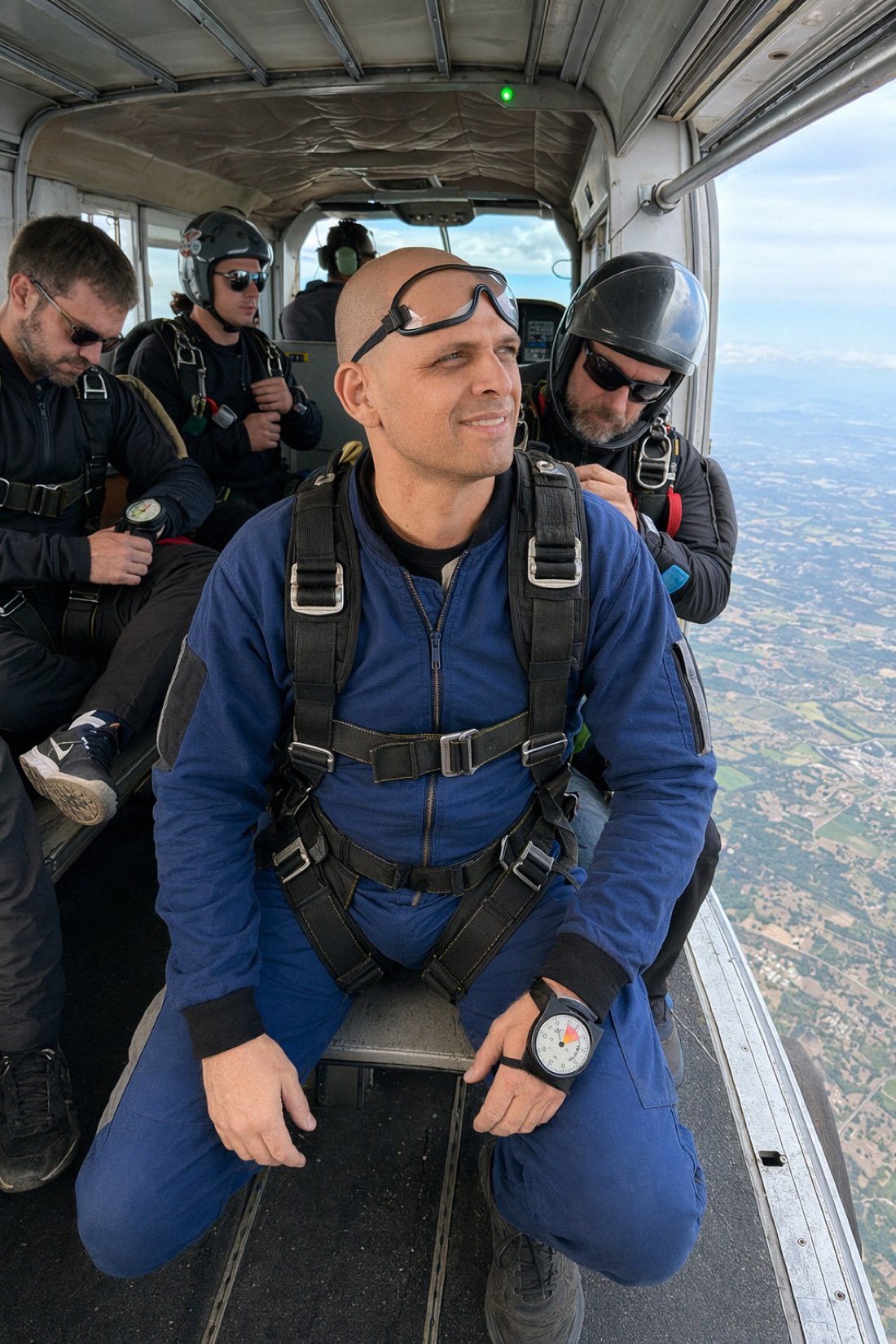
An AI photo generator takes photos of you, selfies and other shots, and creates brand-new images of you in different scenes. The catch nobody mentions: most of them make you look like a person, not like you. Realism is the entire point, and it's where the cheap tools fall apart.
This guide explains what "from selfie" really means, why so many AI photos look fake, and exactly how to get results that look like a genuine photo of you.
What "from a selfie" actually means
You don't paint a new face onto a single selfie. You give the AI a set of reference photos, and it learns what you look like, your features, proportions, the shape of your face, then generates new photos of you in new settings.
Here's the honest part most marketing pages skip: an arm's-length selfie is the weakest possible input. Phone front-cameras are wide-angle and held close, which enlarges your nose, distorts your proportions, and flattens depth. Feed the AI a warped face and it learns a warped face.
So while you absolutely can start "from a selfie," you'll get dramatically more realistic results by uploading a few proper photos of yourself, taken a normal distance away, in good light, with your full face visible. Think "a photo a friend took of you," not "a selfie in the bathroom mirror."
Why AI photos from selfies usually look fake
Two failure modes, and you can beat both:
1. The tool beautifies you into someone else
Most generators optimize for "attractive," not accurate. They smooth your skin, reshape your jaw, widen your eyes, and out comes a good-looking stranger. It's instantly recognizable as AI, and useless on any profile where you'll eventually meet the person.
CMeIn is built the opposite way, around keeping your likeness. It deliberately won't turn you into a younger, slimmer, or more model-like version of yourself. It preserves your real features, proportions, and natural asymmetry, so the output looks like the actual you.

2. Bad input produces a warped face
Even a likeness-preserving tool can't fix a distorted selfie. Garbage in, garbage out. This one's on the input, and it's the easiest thing to fix (see below).
What realism actually looks like
A realistic AI photo has a few quiet markers:
- It keeps your real proportions and features, no idealized "upgrade."
- Natural skin texture, not waxy, airbrushed plastic.
- Believable, even lighting that matches the scene, no glamour glow.
- A candid look, not stiffly posed, not over-lit, not a frozen camera-smile.
- The subject blends into the scene, you don't look sharper or cleaner than everything around you, which is a classic AI tell.
CMeIn is designed around all of these. The goal isn't a flashier you, it's a believable one.
How to get realistic results: the reference-photo checklist
This is the single biggest lever you control.
Do upload:
- Several recent photos that reflect how you look now.
- Shots in good, even light with your full face clearly visible.
- Waist-up photos taken a normal distance away, not extreme close-ups.
- A few from the same day at slightly different angles for a consistent read.
Avoid:
- Arm's-length selfies and mirror selfies, they distort your face.
- Heavy filters or face-tune, you want your real face, not a pre-edited one.
- Sunglasses, hats, or anything hiding your face.
- Blurry or low-resolution images.
If you only remember one thing: feed it real photos of yourself, not just a quick selfie, and the realism takes care of itself.
Generate realistic photos of yourself
Realistic AI photos aren't about a better face, they're about your face, kept intact and dropped into new scenes.
- See real results first: browse the public examples.
- Ready to make your own? Check the credit packs and start with a few good reference photos.
Related reading: Instant AI Photo Generator: From Your Photos to Usable Shots, Fast, How to Get Perfect AI Dating Profile Photos.