Instant AI Photo Generator: From Your Photos to Usable Shots, Fast
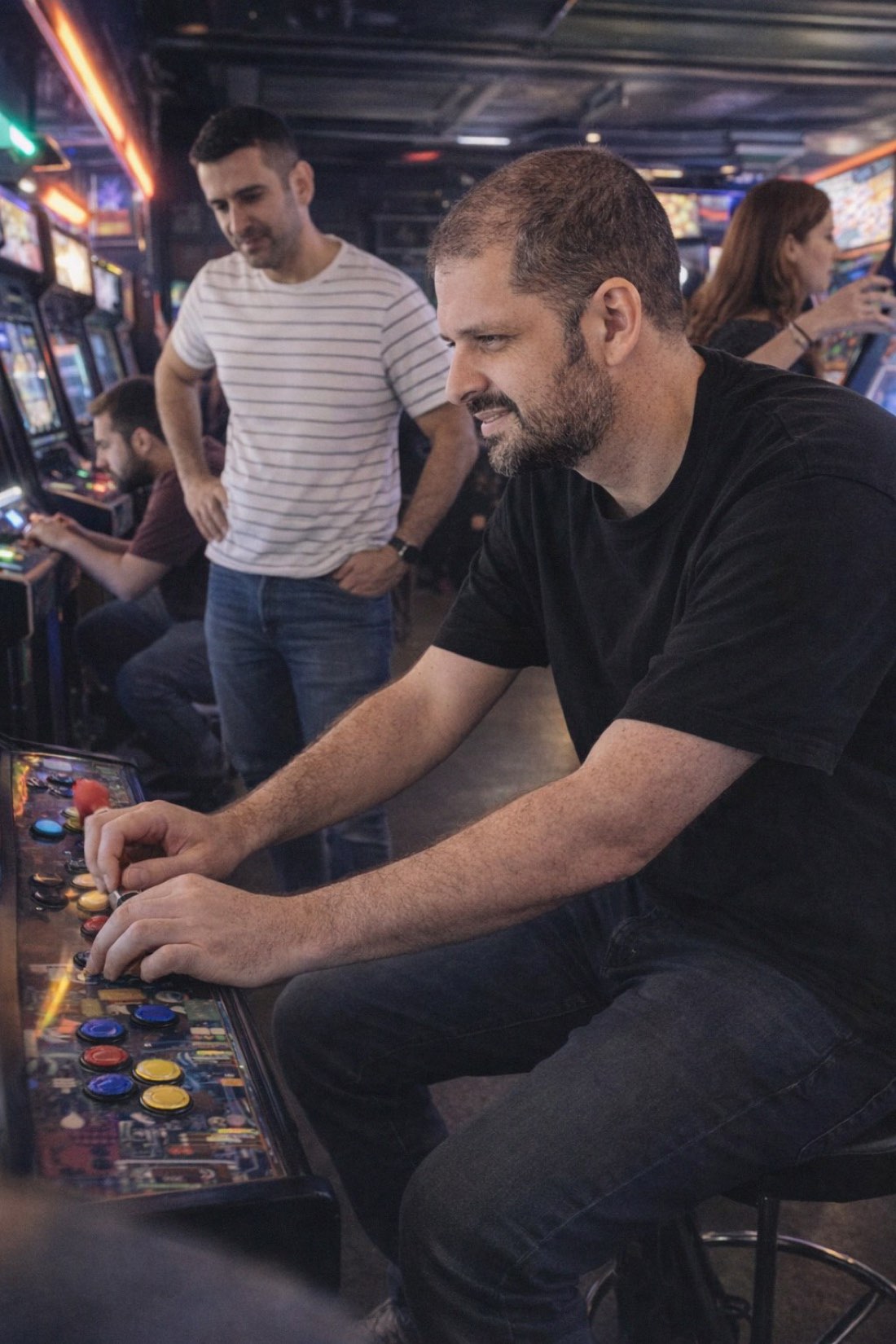
An instant AI photo generator turns a few photos you already have into brand-new, realistic images of yourself, in minutes, not days. No photographer to book, no shoot to schedule, no waiting on edits. You upload, pick a scene, and download.
The "instant" part matters more than it sounds. Most of the time you don't need photos eventually, you need them now, for a profile you're setting up tonight or a deadline tomorrow. Here's how fast generation works, and how to get it right on the first try.
When speed is the whole point
The traditional path to good photos is slow on purpose:
- A photographer takes a day or more to book, shoot, and deliver edits.
- A DIY home shoot eats an evening fighting tripods and bad indoor light.
- Your camera roll rarely has the right photo when you actually need it.
Instant generation collapses that loop. The moments people reach for it:
- Setting up a dating profile tonight and your photos are weak.
- A new job or LinkedIn refresh you need this week.
- A trip coming up and you want travel-style shots without the trip.
- You just want a few good, current photos of yourself without a production.
How instant AI photo generation works
With CMeIn, the flow is built for speed:
- Upload reference photos, a handful of clear, recent shots.
- Pick a scene, dating, social, travel, outdoors.
- Generate, realistic full-figure photos of you come back in minutes, ready to download.
You keep everything private and share only what you choose. No appointments, no equipment, no editing queue.
"Instant" doesn't mean cheap-looking
The speed comes from removing logistics (scheduling, travel, editing), not from cutting quality. That's an important distinction, because plenty of fast tools are low quality, and it shows.
CMeIn generates quickly and keeps it real:
- It looks like you. The output preserves your real features and proportions, it won't beautify you into a slimmer, younger, or model-like stranger.
- It looks candid, not fake. Natural light, real settings, an unposed feel, not glossy, over-lit, plastic AI. That candid realism is what makes the photos actually usable.
- It's varied. Multiple scenes and looks in one quick session, not five versions of the same pose.
Fast and believable aren't a trade-off here, you get both.
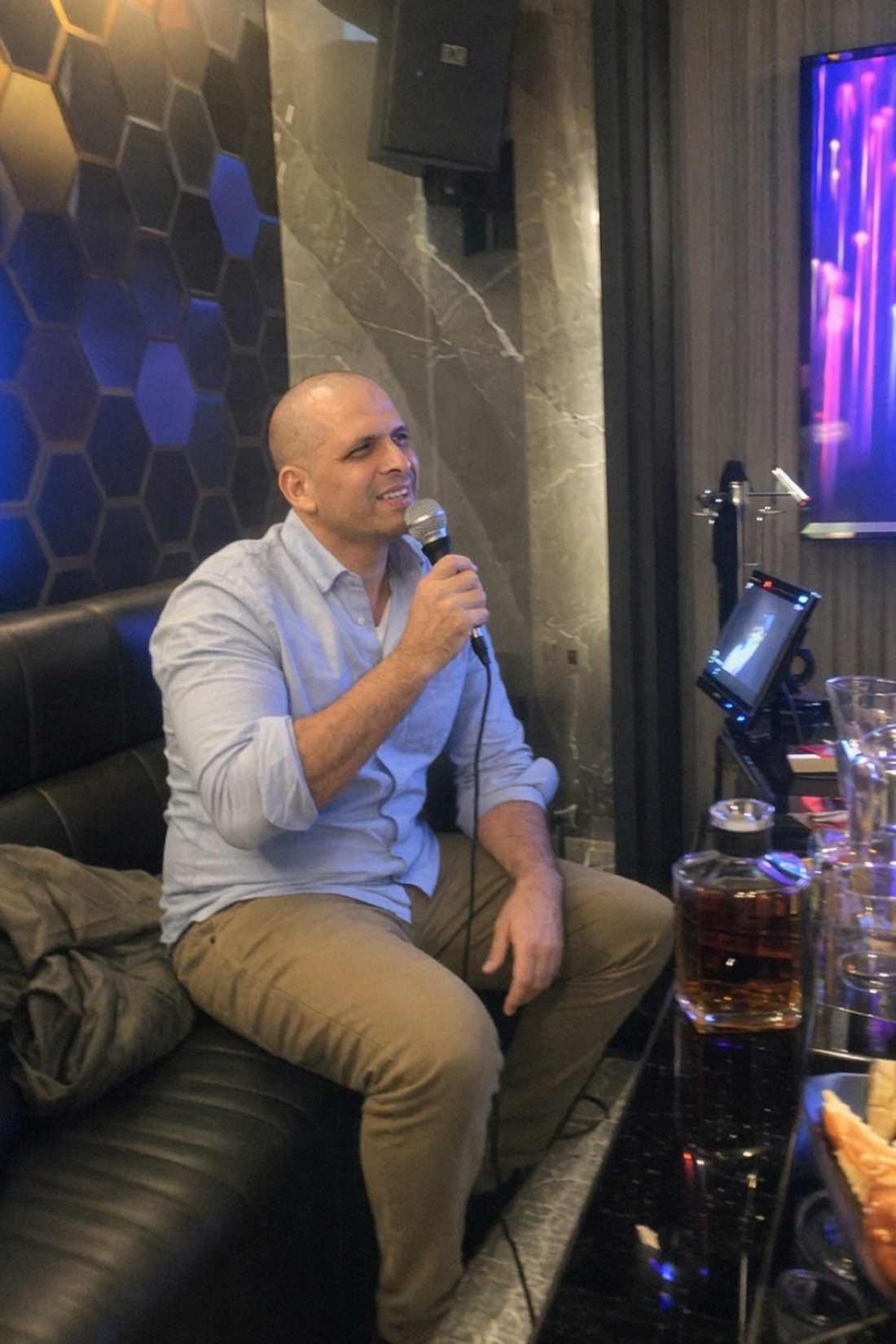
Get usable results on the first pass
The fastest path is the one where you don't have to redo it. Most do-overs come from bad input, so spend two minutes here:
Do upload:
- Several recent photos that look like you now.
- Good, even light, full face visible.
- Waist-up shots, not extreme close-ups.
- A few from the same day, slightly different angles.
Avoid:
- Mirror selfies and arm's-length selfies (distorted features).
- Heavy filters, sunglasses/hats, blurry photos.
Good references in, usable photos out, usually the first time.
Generate your photos now
If you need good photos of yourself today, you don't need a shoot, you need a few clear reference shots and a few minutes.
- See real results first: browse the public examples.
- Ready to go? Check the credit packs and generate your set.
Related reading: AI Photo Generator From Selfie: Why Realism Is the Whole Point, What Is a Virtual AI Photo Shoot?.