Create Travel Photos with AI: Global Scenes from Home
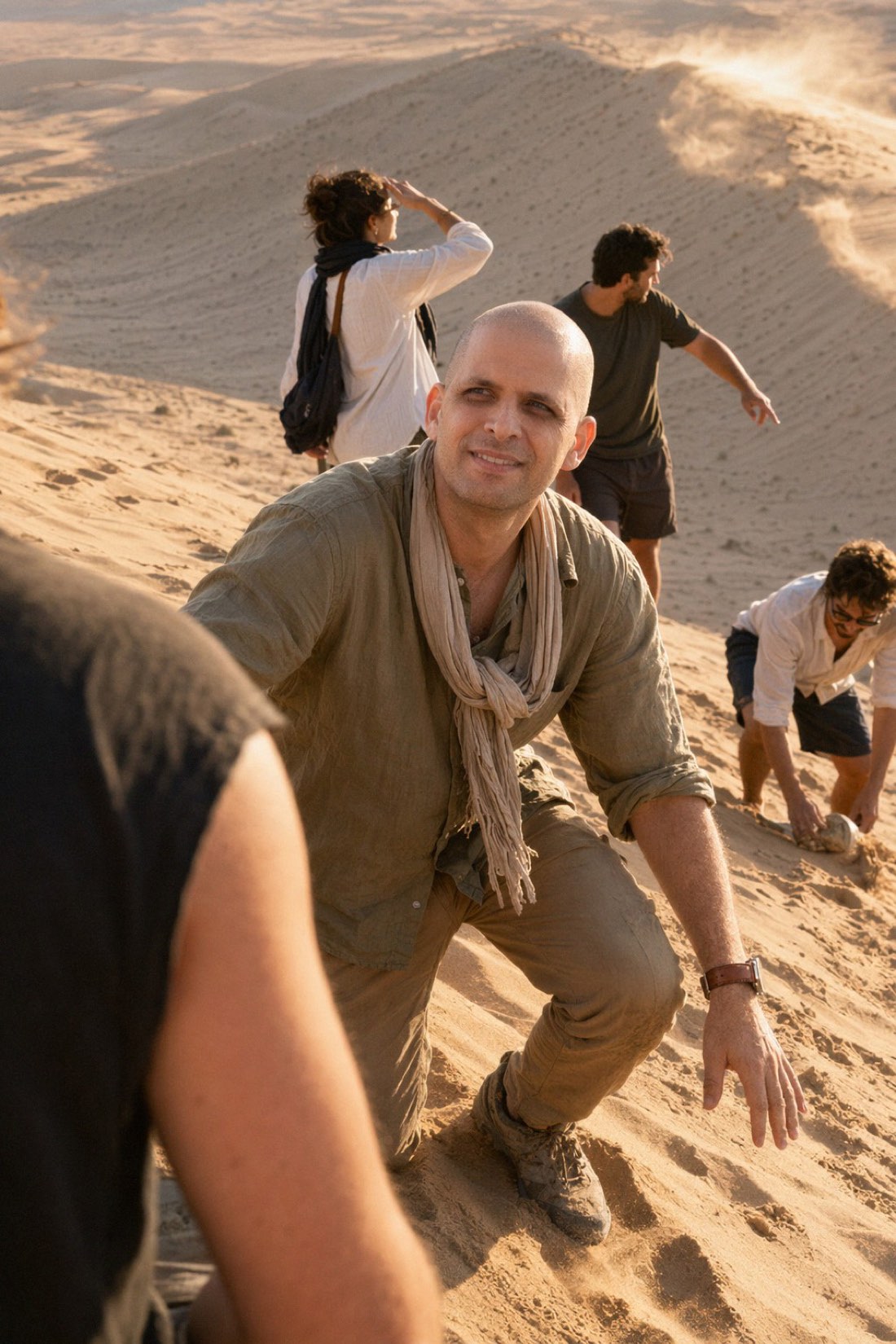
There is a specific photo almost nobody has enough of: you, somewhere amazing. A desert at golden hour, a mountain trail, a far-off city. The destinations exist, but the time, money, and the friend-with-a-camera rarely line up at once. AI closes that gap. You can create realistic travel photos of yourself in places you have not been, from home, in a single sitting.
The catch, as always, is realism: the photo only works if it still looks like you. Here is how to create travel photos with AI the right way.
How it works
With CMeIn, the process is short:
- Upload reference photos. A handful of clear, recent images of your face and body.
- Pick a destination or scene. Desert, mountains, a forest trail, a coastal town, whatever you want.
- Generate. You get realistic photos of yourself in that setting, ready to download.
Because you are not actually flying anywhere, the real advantage shows up here: you can create several completely different destinations in one session.
One session, many destinations
This is what makes AI travel photos worth it. A real trip gives you one location. A single AI session gives you a whole map.
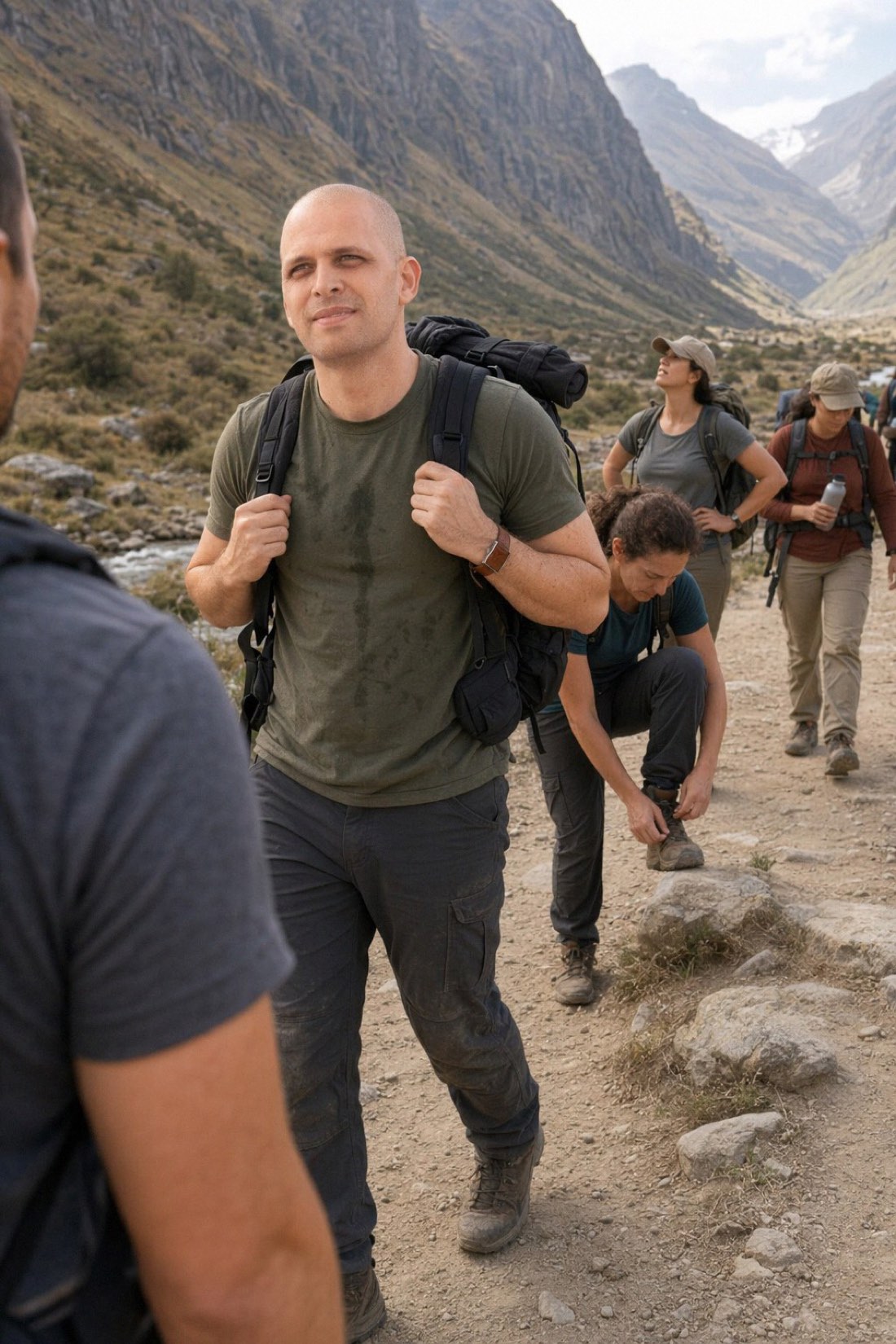
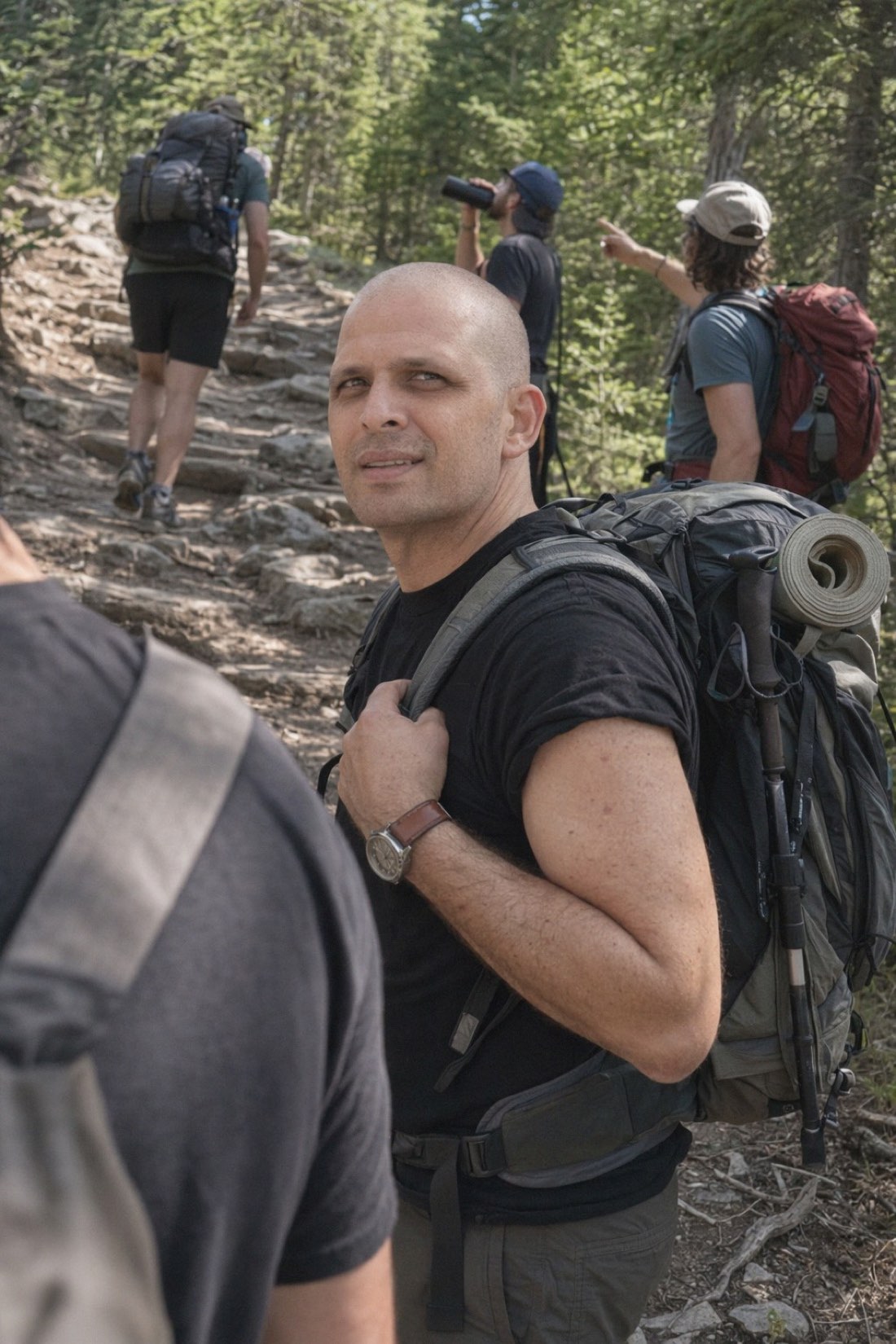
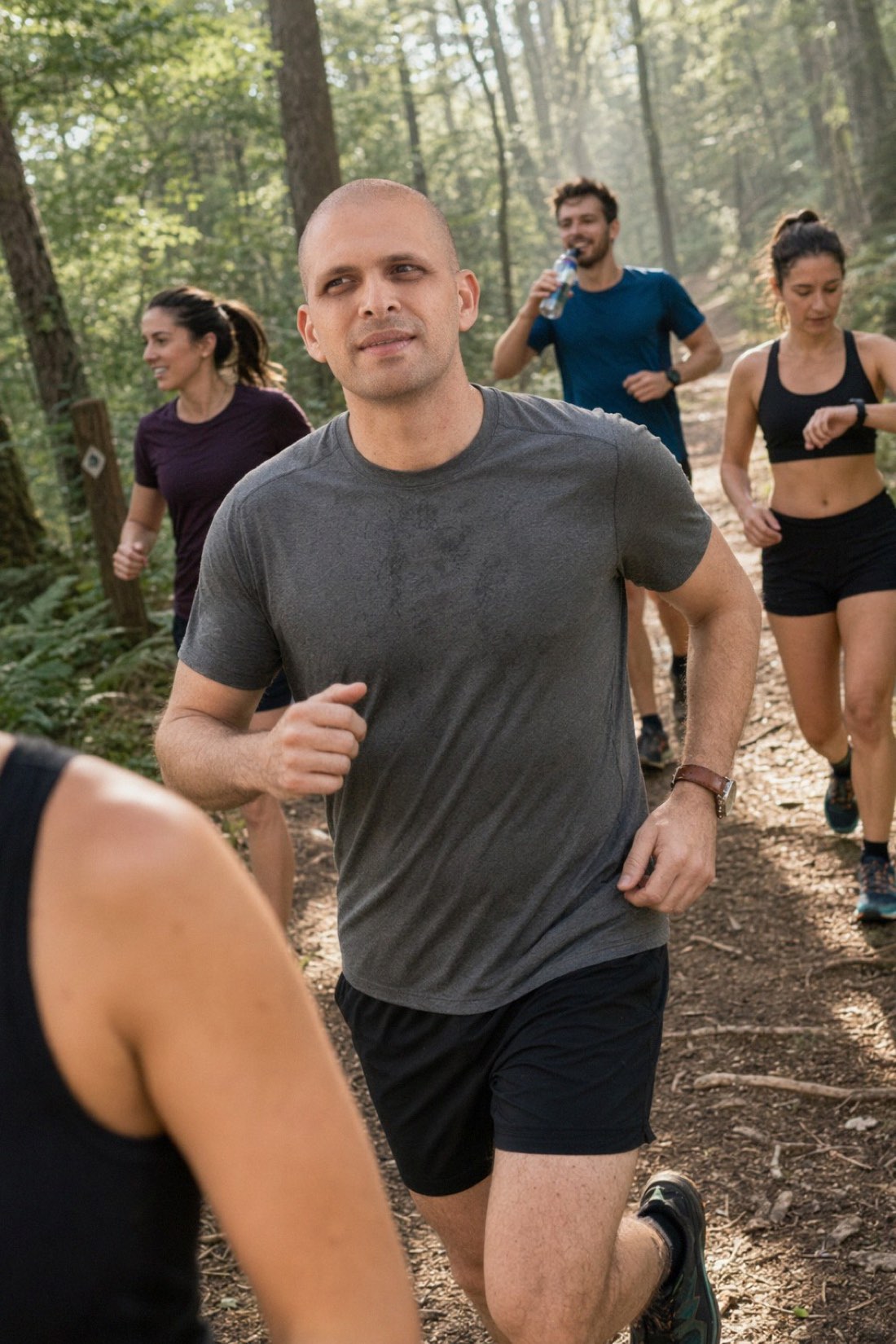
Four destinations, one session, same person. That's the point of creating travel photos with AI.
What makes an AI travel photo look real
A believable travel photo has a few quiet markers, and they are worth checking on every result:
- It keeps your real face. Your features and proportions stay intact, not smoothed into a generic, better-looking stranger.
- The light matches the place. Golden desert light, flat mountain overcast, dappled forest sun, the lighting on you should belong to the scene, not float on top of it.
- It feels candid. A real moment caught mid-trip beats a stiff pose dropped into a landscape.
- You blend into the scene. You should not look sharper or cleaner than the people and terrain around you.
This is the whole reason CMeIn is built around realism rather than glamour: a travel photo of a polished stranger in a nice location is useless, while a candid, true-to-life photo of you there is the one worth posting. For a deeper look at what separates real from fake, see realistic AI photos of yourself.
Get the best results
Your destinations come out only as convincing as your input allows. Upload several clear, recent photos in good, even light with your full face visible, taken a normal distance away rather than as extreme close-up selfies. Skip heavy filters and sunglasses. With a good read on your face, the AI can keep you consistent while it changes the world behind you.
A note on honesty
These are a creative tool, so treat them that way. Using an AI desert or mountain photo for content, a profile picture, or just because it looks great is completely fine. Presenting it as a trip you actually took is where it crosses into misleading. Realism means the photo looks believable, not that anyone is fooled about your travel history.
Create your travel photos
You do not need a plane ticket to have great photos of yourself in amazing places. You need a few clear reference photos and a tool that keeps you looking like you.
- See real results in the public examples.
- Ready to go places? Check the credit packs and pick your first destinations.
Related reading: AI Generated Travel Pictures for Your Social Feed, Realistic AI Photos of Yourself in Exotic Locations.