AI Generated Photos for Social Media: A Practical Guide
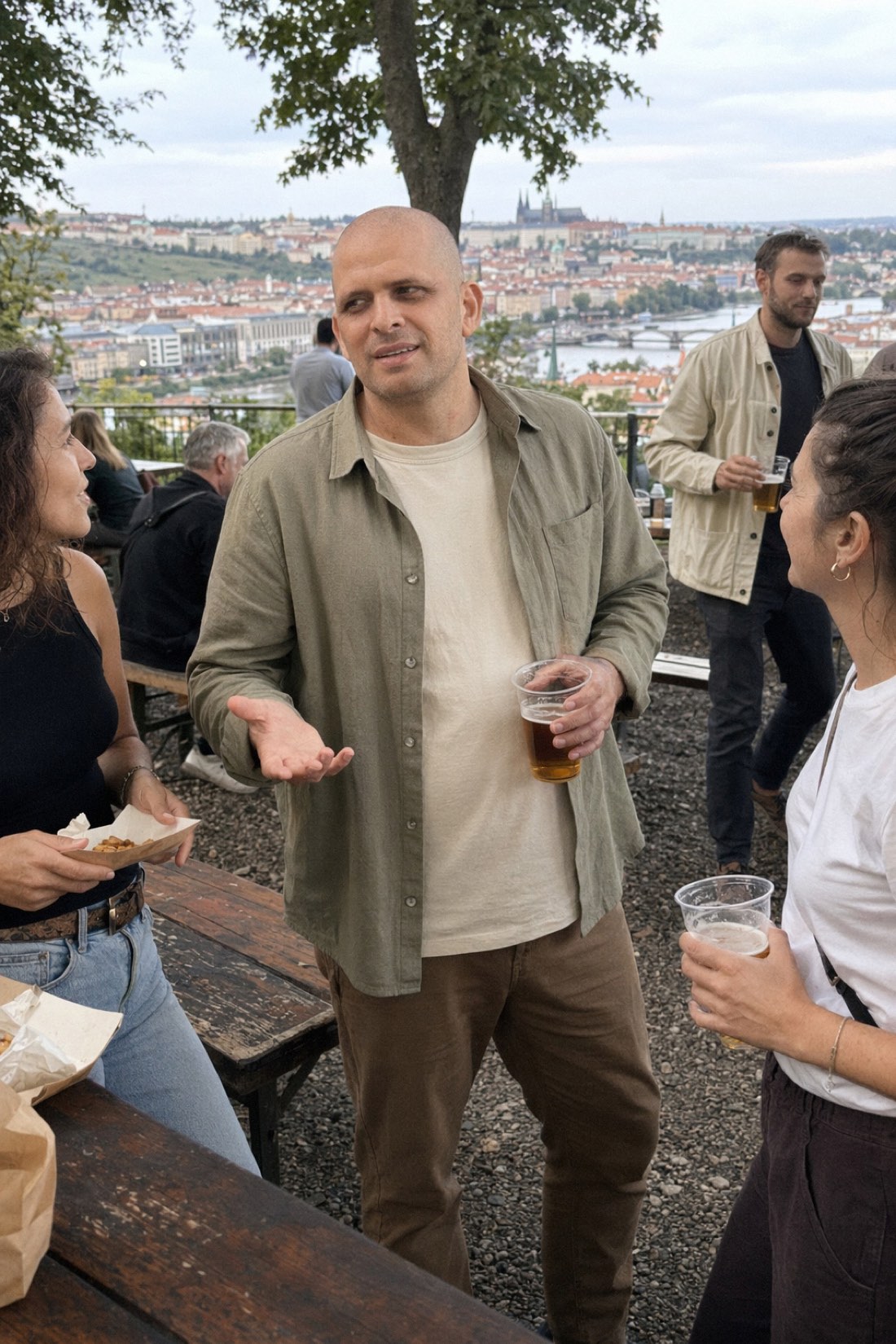
Keeping a social feed alive is a grind. The content that performs is photos of you doing interesting things in interesting places, but most people do not actually shoot new photos every week. So the feed goes quiet, or it fills up with the same selfie in slightly different lighting.
AI generated photos solve the supply problem. Instead of needing a new outing and a camera every time you want to post, you create realistic photos of yourself in new settings from a handful of reference shots. Here is how to use them well, and how to keep them from looking fake.
Where AI photos fit in a feed
Think of AI photos as a way to keep your feed stocked between real-life moments, not a replacement for your whole life. They work especially well for a few things.
Filling quiet stretches when you have not been anywhere photogenic lately. Covering scenes you want but cannot easily shoot, like a clean travel look or a specific setting. Refreshing a profile photo or a header without booking anything. And building a consistent look across posts, since the same reference photos give a steady version of you.
Variety is the point
The fastest way to make a feed look stale is to post the same shot over and over. AI makes variety easy, because you can place yourself in completely different scenes in one session.



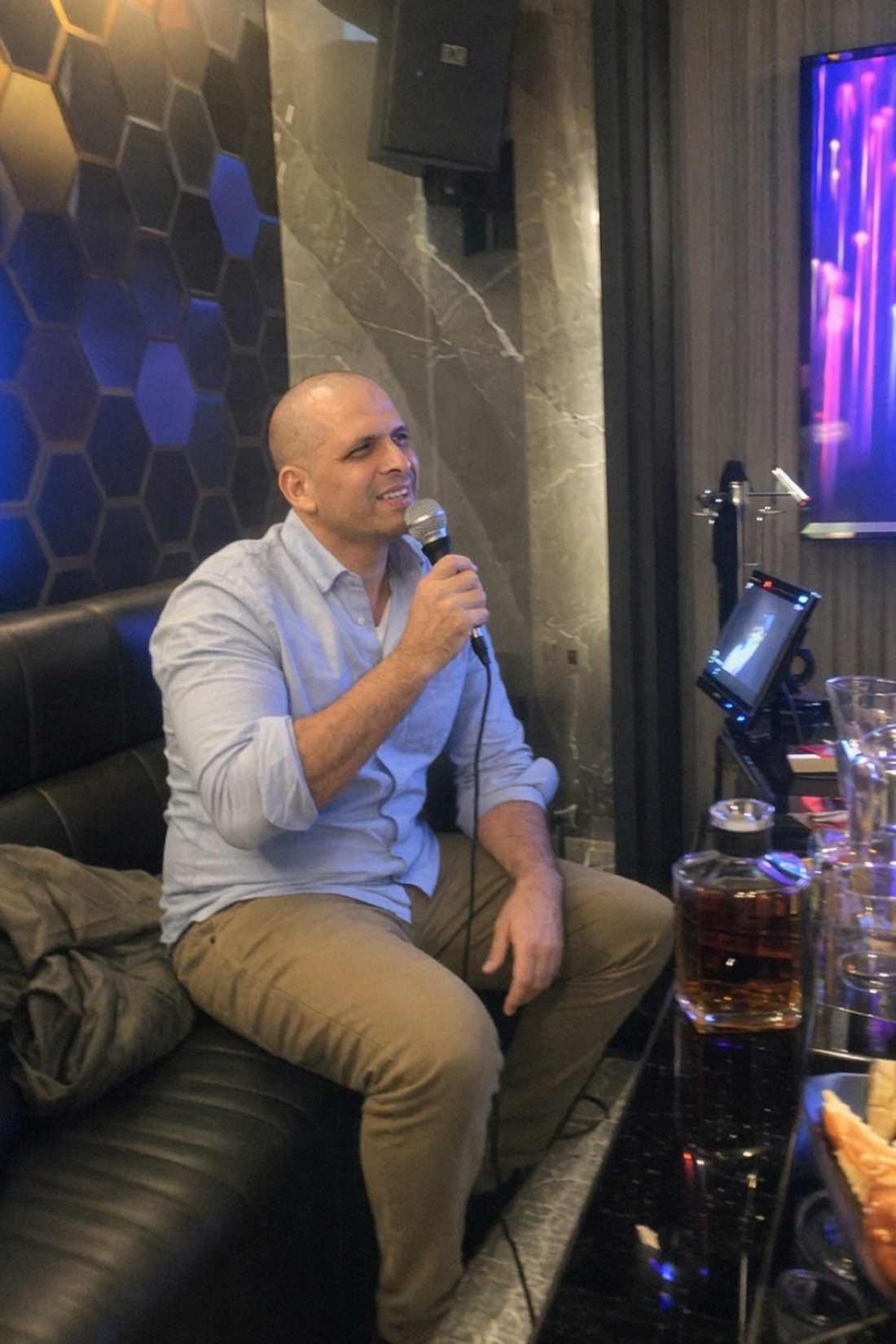
Different scenes, one session, one consistent you.
That mix is hard to get from a single afternoon with a camera. With AI it is a normal part of one sitting.
The thing that makes or breaks it: realism
Here is the trap. A lot of AI photo tools push everything toward a glossy, perfect look. Smoothed skin, studio lighting, a posed and slightly frozen expression. On social media that style is a giveaway, and it reads as try-hard even to people who cannot say exactly why.
The photos that actually perform look candid. Natural light, a real setting, a relaxed moment that feels caught rather than staged.
This is where CMeIn is built differently. It aims for realism rather than glamour, and it keeps your real features and proportions instead of turning you into a polished stranger. The result looks like a genuine photo of you in a genuine place, which is exactly what holds up in a feed.
Keeping a consistent look
If you post AI photos regularly, you want them to feel like the same person across different scenes. Two simple habits do most of the work.
Use the same set of clear, recent reference photos each time, so the AI keeps a steady read on your face. And vary the scene and outfit rather than anything about you, so the through-line across posts is clearly one consistent self.
A quick word on being honest
Using AI photos on social media is fine. The only real rule is that they should still look like you. Posting images that no longer resemble you sets up an awkward gap the moment someone meets you, and it erodes trust with the people who follow you. Keep your real look intact and AI is simply a faster content pipeline, not a mask.
Get started
If your feed needs fresh photos and you do not have time for constant shoots, this is the shortcut.
Look at real results in the public examples, then check the credit packs and generate your first set of scenes.
Related reading: Realistic AI Photos of Yourself in Exotic Locations, AI Photo Generator From Selfie.