AI Headshots That Look Like You (Not a Stranger)
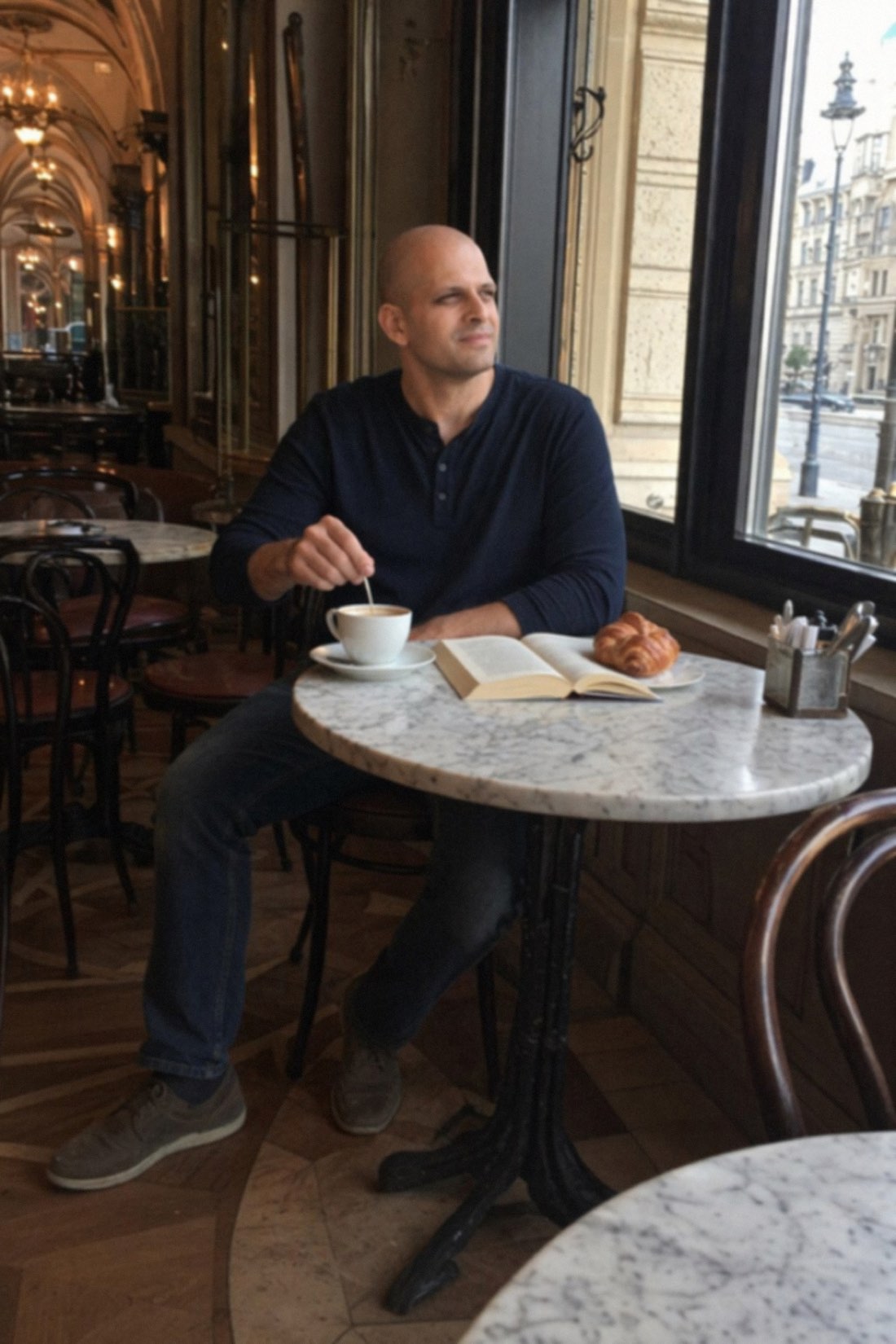
Here is the complaint almost everyone has after trying an AI headshot tool. The photos look great, and they look like someone else. The skin is too smooth, the jaw is a little sharper, the face is a touch more symmetrical, and the overall effect is a polished person who is clearly not quite you.
That is the whole problem with AI headshots, and it is fixable. The goal is not a better face. It is your face, shown clearly and well. Here is why most tools miss that, and how to get a headshot that actually looks like you.
Why AI headshots usually miss
Most generators are tuned to make people look attractive in a generic way. They smooth skin, even out features, widen eyes, and nudge everything toward an idealized average. Each change is small, but together they add up to a face that your friends would not quite recognize.
For a headshot, that defeats the purpose. A headshot exists so people can recognize you, on LinkedIn, on a profile, in a directory. If it does not look like you, it fails at the one job it has, and it sets up an awkward moment when you meet in person.
CMeIn is built around the opposite goal. It is designed to keep your real features, proportions, and natural look rather than improving them. The result is you, photographed well, not a stranger who shares your haircut.
What a usable headshot actually is
There is a myth that a good headshot has to be a stiff studio portrait against a grey backdrop. For most people, that is not true anymore, and it can even work against you by looking over-produced.
A usable headshot is simply a clear, well-lit photo where your face reads plainly and you look approachable. A clean, uncluttered setting helps. A relaxed expression helps more than a frozen smile. And natural light and texture make it feel real rather than manufactured.

The point is that natural and clear beats polished and generic. A photo that looks like a real moment, with your real face, lands better than a glossy studio shot that could be anyone.
What makes one look real
When you review AI headshots, check a few things.
Does it keep your actual features, or has it quietly slimmed and smoothed them. Is the skin natural, with real texture, or waxy and airbrushed. Does the lighting look believable for the setting. And does your face look like it belongs in the photo, rather than sharper and cleaner than everything around it.
A good result passes all of these. A bad one fails the first and most important: it no longer looks like you.
How to get a headshot that looks like you
It comes down to your input and your tool.
For input, upload several clear, recent photos in good light where your full face is visible. Use shots taken a normal distance away rather than extreme close-up selfies, which enlarge the head and distort proportions. Skip filters, sunglasses, and blurry images.
For the tool, use one built for likeness. With CMeIn you upload those reference photos, choose a clean setting that fits how you want to come across, and get back realistic photos where your face reads clearly and still looks like you. Whether you want something for a professional profile or a personal one, the realistic version is the one worth using.
The bottom line
The best AI headshot is not the most flattering one. It is the most accurate one that is also well shot. Keep your real face, light it well, set it in a clean scene, and you have a headshot that does its job, which is helping people recognize the actual you.
See real results in the public examples, then check the credit packs and create yours.
Related reading: How to Create AI Photos of Yourself, AI Photo Generator From Selfie.