How to Create AI Photos of Yourself: A Complete Guide
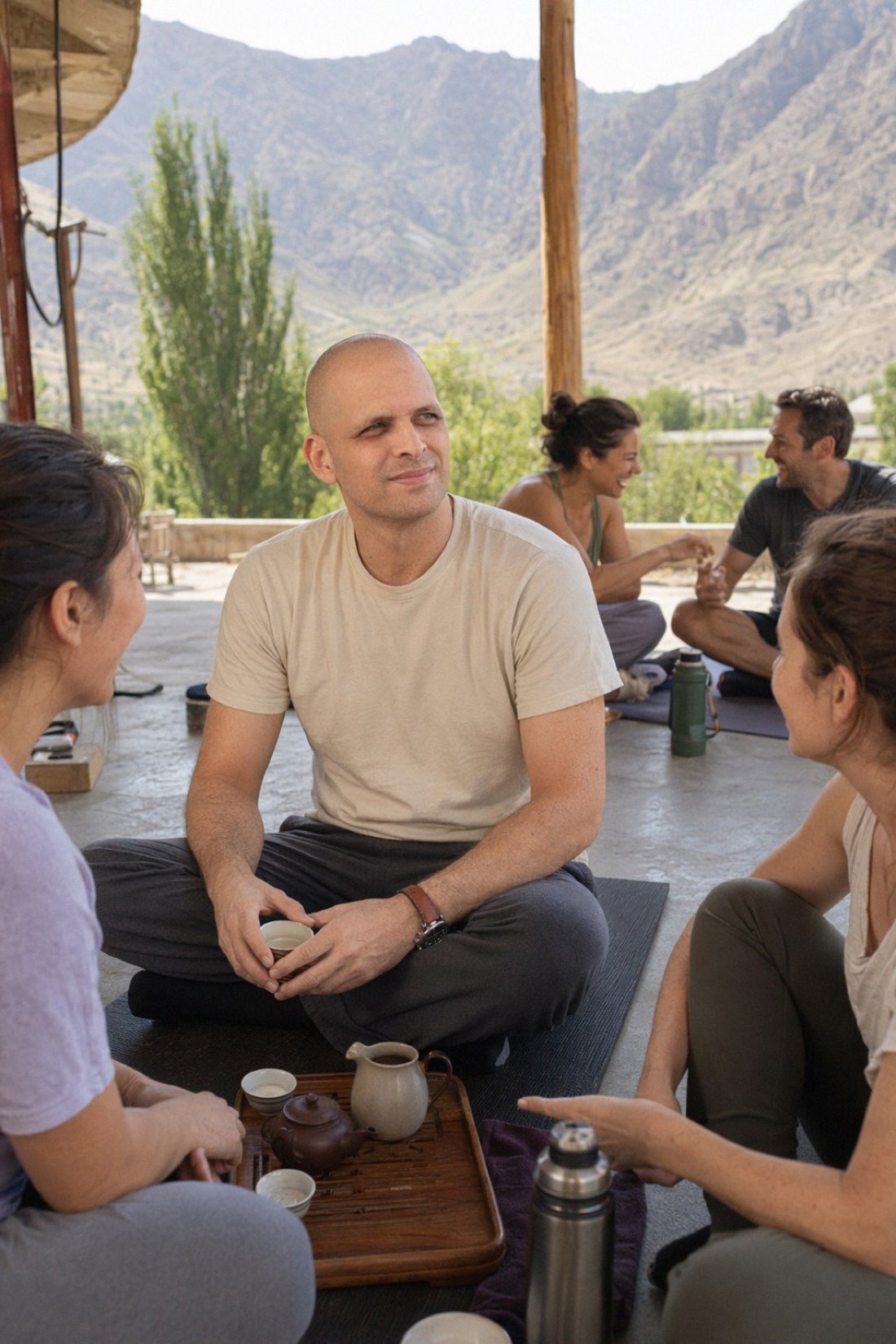
Creating AI photos of yourself is simpler than most people expect. You give an AI a few photos of your face, tell it what kind of scene you want, and it generates new photos of you in that setting. No camera, no photographer, no leaving the house.
The catch is that not all of these tools are equal, and the difference shows up in one place: whether the result still looks like you. This guide walks through the whole process, what you need, and how to get results that are actually usable.
What "AI photos of yourself" actually means
You are not editing one photo. You are giving the AI a set of reference images so it learns what you look like, your features, your proportions, the shape of your face, and then it creates brand new photos of you in new settings, outfits, and poses.
That is the part that makes it powerful. From a handful of ordinary photos you can get yourself at a café, on a beach, in a city you have never visited, or in a clean setting for a profile picture.
What you need before you start
The only real requirement is a few good reference photos. They matter more than anything else, because the AI can only work with what you give it.
Good reference photos are recent, clearly lit, and show your full face. Shots taken a normal distance away beat extreme close-ups, which distort your proportions. A few taken on the same day from slightly different angles give the AI the most consistent read on your face.
What to avoid: mirror selfies and arm's-length selfies, heavy filters or face-tuning, sunglasses or hats that hide your face, and anything blurry or low resolution.
The steps
With CMeIn the process is short.
- Upload your reference photos. A handful of clear, recent shots of your face and body.
- Pick a scene. Dating, social, travel, professional, outdoors, whatever fits what you need the photos for.
- Generate. The tool creates realistic photos of you in that setting.
- Review and download. Keep the ones you like, generate more if you want a wider selection.
You can keep everything private and only share the results you choose.
What separates good results from bad ones
This is where most tools fall down, so it is worth knowing what to look for.
Likeness. A lot of generators quietly trade your real face for a more generic, more polished one. The result looks good but is not really you, which makes it useless for anything where people will meet you. CMeIn is built the other way, around keeping your real features and proportions rather than idealizing them.
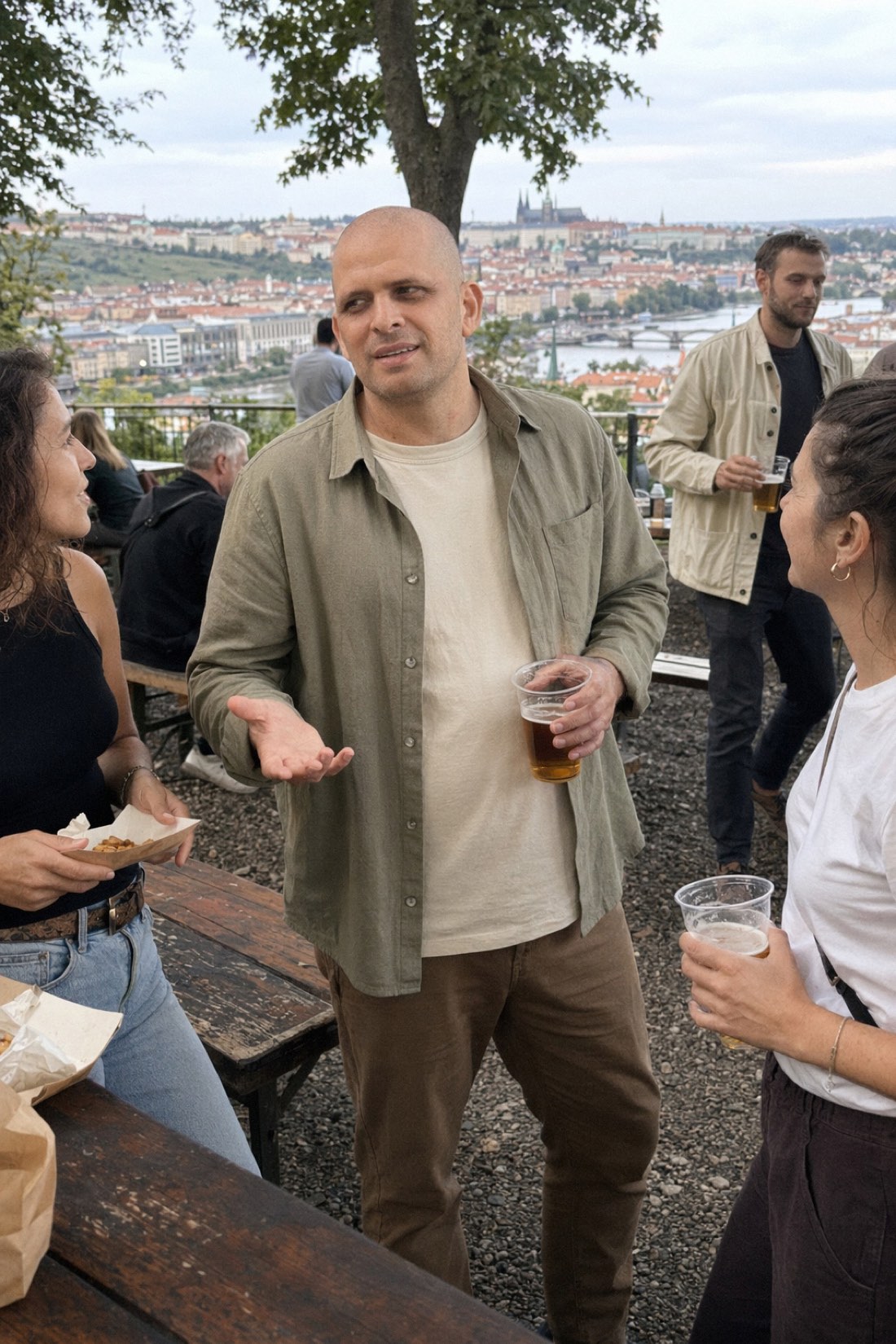
Realism. Good results have natural skin texture, believable lighting that matches the scene, and a candid feel. Bad ones have waxy skin, a glossy studio look, or a subject that looks sharper and cleaner than everything around them, which is a classic giveaway.
Variety. A set of near-identical shots looks staged. Strong results vary the scene and framing so they read like real moments from a real life.
How to make realistic AI photos (not obviously AI)
"Realistic" is the whole game, and it's decided by three choices — whether you call them AI photos, AI pictures, or AI images of yourself, the physics are the same:
- Realistic references in, realistic pictures out. Everyday photos in normal light beat filtered selfies as source material — the AI can only preserve what it's actually shown.
- Ask for real scenes, not fantasy ones. A coffee shop, a trail, a friend's dinner — settings that could plausibly be in your camera roll. The "CEO on a yacht" images are what people spot instantly.
- Pick a tool that optimizes for candid, not perfect. Glossy studio skin is the number-one AI giveaway. The realistic result is slightly imperfect on purpose: natural texture, ordinary lighting, a frame that looks phone-shot. That candid-realism approach is CMeIn's entire design philosophy — and it's what makes photos survive the first real-life meeting.
The test for any generated picture: would someone who knows you believe a friend took it? If yes, it's realistic. If it looks like a magazine ad, regenerate.
Common mistakes
The mistakes that ruin results are nearly always at the input stage. Uploading only one photo, or only selfies, gives the AI too little or too distorted a read on your face. Heavy filters carry over and make the output look off. And expecting a glossy, perfected version of yourself misses the point, since the realistic version is the one that actually works.
What you can do with them
Once you can create photos of yourself on demand, the uses pile up. A few of the most common, each with a dedicated guide:
- Dating profile photos that look like you
- AI headshots that look like you for professional profiles
- Photos for social media without constant shoots
- Realistic photos in exotic locations for travel content
- Full-body photos, not just headshots
Get started
Creating AI photos of yourself comes down to two things: good reference photos and a tool that keeps your likeness. Get both right and the rest is easy.
See real results in the public examples, then check the credit packs and create your first set.
Related reading: AI Photo Generator From Selfie, What Is a Virtual AI Photo Shoot?.