AI Portrait Generator from Photo: Maintaining Character
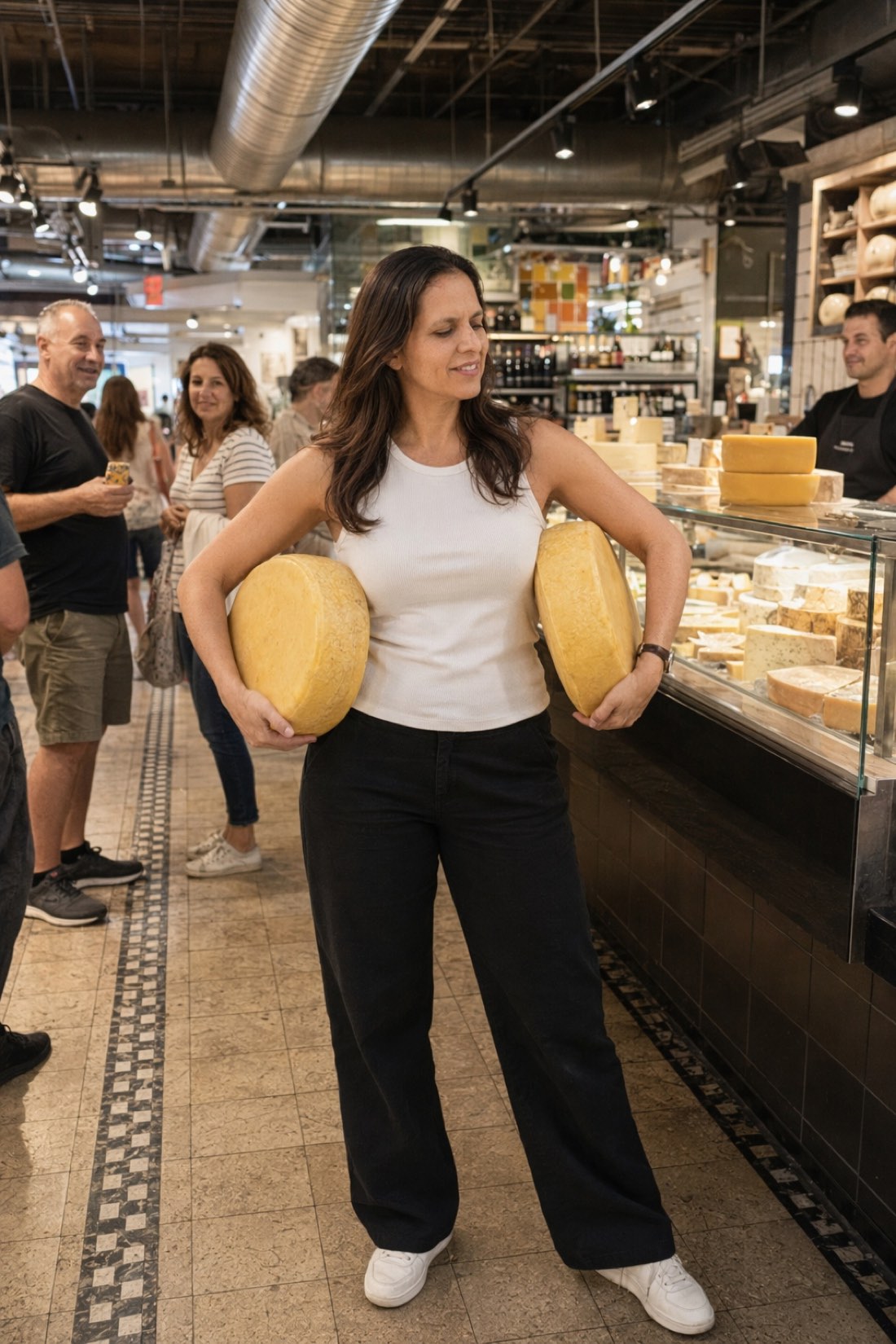
There is a specific failure that plagues AI portraits, and it is not technical. The geometry checks out, the skin looks real, and yet the person in the frame feels like nobody in particular. The face is right; the character is missing. No mischief, no warmth, no trace of the person your friends would recognize from across a room by posture alone.
A portrait's job is character. Here is what maintaining it takes, and how to generate portraits from your photos that keep it.
The two layers of likeness
Geometry is the measurable layer: eye spacing, jaw, head shape, proportions, your natural asymmetry. It is the foundation, and we cover it in how AI preserves faces.
Character is the layer on top, and it is what most generators destroy even when they get the geometry right. Your real smile, which is not the average smile. The way you squint slightly when amused. Your typical energy, whether that is calm, wry, or fully unleashed while hauling two wheels of cheese through a market.
Generators lose character because they average. Trained to produce agreeable portraits, they drift every expression toward the same pleasant neutral. The result is you as a stock photo: correct and empty.
What character looks like in practice
Compare the portraits below. Different settings, different moods, one entirely specific person:
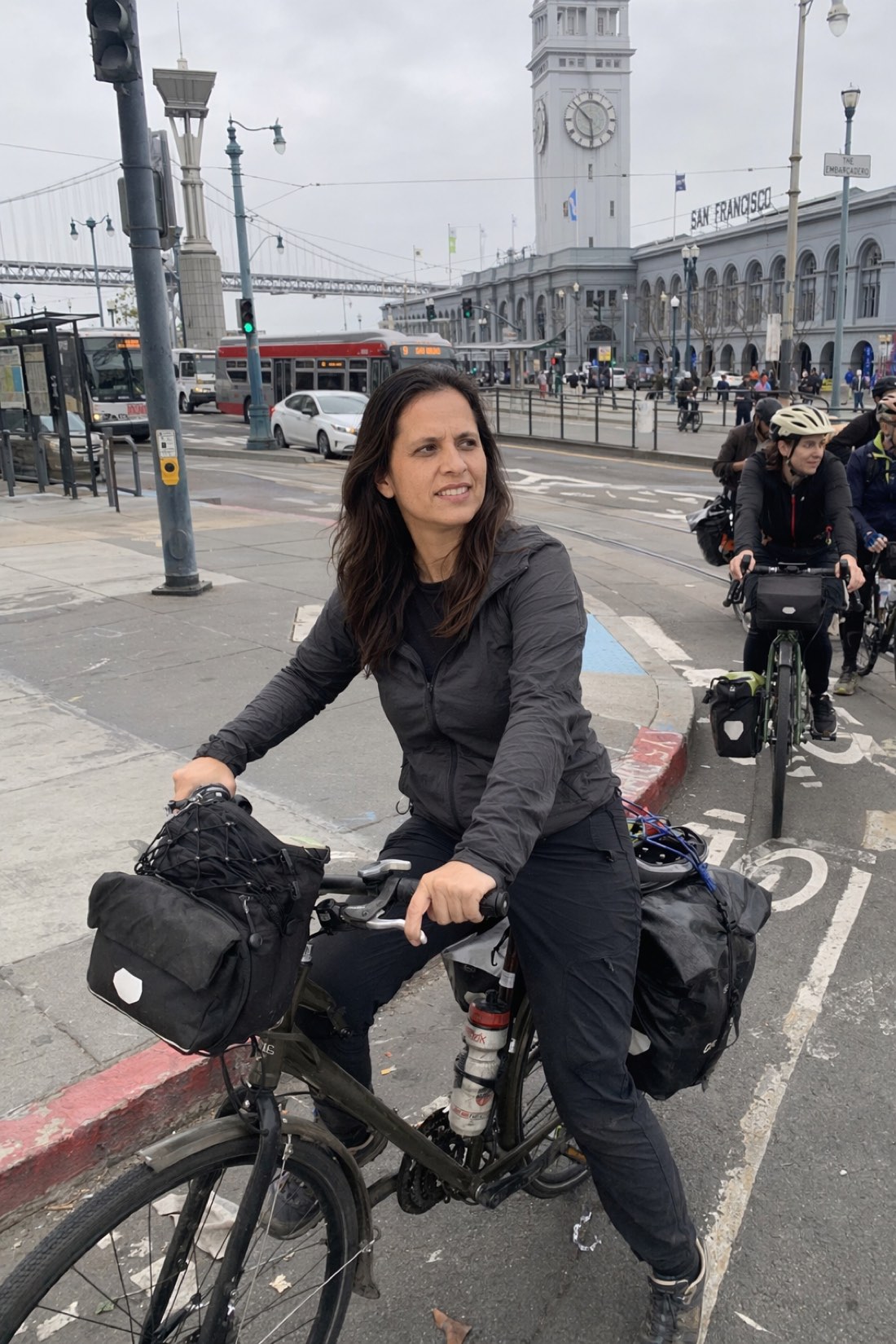

Focused on a commute, loose in a yoga class. Real portraits carry a mood, not a template smile.
And the hero above, delighted, slightly absurd, carrying cheese like a prize, is the strongest kind of portrait there is: one with a story in it. No studio session produces that frame. A generator that respects character can.
How CMeIn maintains it
CMeIn approaches portraits through candid realism, which turns out to be the recipe for character:
- Real moments, not poses. Portraits are generated inside scenes, mid-action, mid-laugh, mid-thought, rather than as frontal camera-aware poses. Character lives in moments; it dies in poses.
- Your expressions, unaveraged. Because your reference photos define the output, your actual smile and energy carry through instead of the template ones.
- No beautification pass. Smoothing and symmetrizing are character-erasers. Your quirks stay, which is precisely why the results feel like you.
- Consistency across the set. The same person, geometrically and temperamentally, in every portrait you generate.
Getting portraits with character: the inputs
The AI can only maintain what it has seen. Three input rules:
- Show expression range. Include at least one photo with a genuine laugh or smile among your references, not six identical neutral faces.
- Use photos taken by other people. Selfies distort geometry, and they also capture selfie-face, the performed expression, rather than how you actually look in the world.
- Recent and unfiltered. Filters average faces the same way weak generators do; give the AI the unedited you.
Then curate for character: of the generated portraits, keep the ones where you recognize not just your face but your mood.
Generate yours
The portraits worth having are the ones that could only be of you.
- See character-first results in the public examples.
- Then check the credit packs and start from a few photos that actually look and feel like you.
Related reading: AI Photos That Look Authentic, How to Create AI Photos of Yourself.