The AI Gave Me Moles, Wrinkles and Jewellery I Don't Own
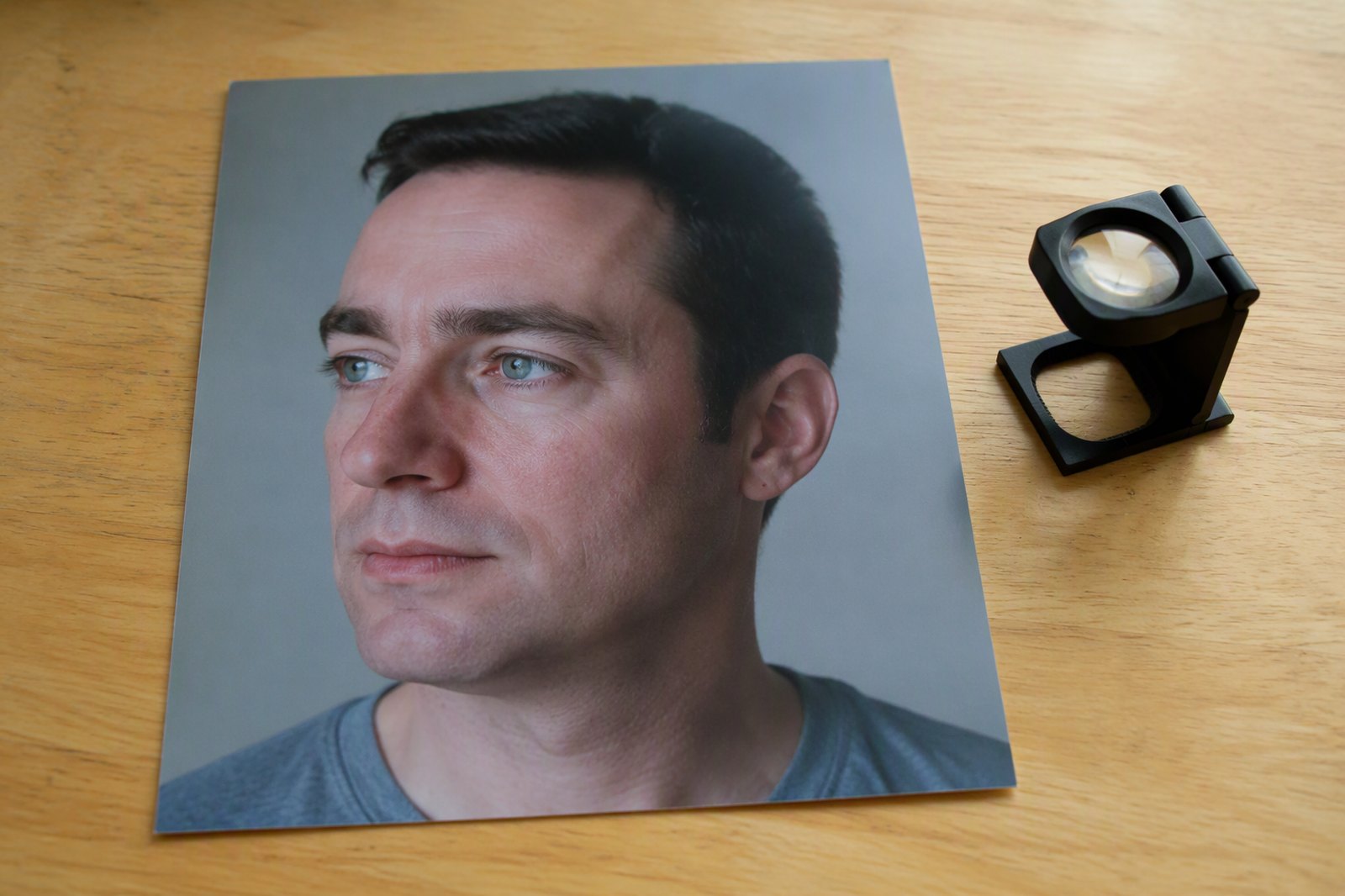
Three complaints from reviews of three different AI photo tools. Read them together:
"Roughly 70% of my options came back with oddly placed moles all over my face. I'm confident zero moles exist."
"Have to edit photos just to remove bad jewellery."
"If you select 41 to 50 years they automatically add long wrinkles to your neck even if you clearly don't have them."
Different companies, same failure in three costumes: the tool put something on your face that was never there.
It is worth separating them, because they have different causes and only two of the three are yours to fix.
Moles and marks: the model is guessing at skin
An image model does not copy your skin. It generates skin that is consistent with what it saw.
When your uploads are sharp and well lit, "what it saw" is a lot of information and the generated skin stays close to yours. When they are compressed, soft, small, or shot in flat dim light, large parts of your face arrive as an approximation — and the model fills the gaps from the millions of faces it learned from.
Those faces have moles. Freckles. Blemishes. Texture. So yours gets some, placed where the model thinks a face usually has them, which is why they look randomly scattered rather than like anything a person actually has.
The fix is boring and it works: upload bigger, sharper, better-lit photos. Not more photos — clearer ones. Screenshots, heavily compressed messaging-app exports and old low-resolution pictures are the worst offenders, and they are what most people reach for.
Jewellery and accessories: usually a styling decision
This one is often misdiagnosed as a model error when it is a product choice.
If every generated photo has you in earrings you do not own, check whether the scene you picked has them in its example image. Many tools style the scene rather than the person — the template includes a look, and the look includes accessories.
The other cause is genuine ambiguity. A shadow behind your ear, a hair clip, a strap, a glasses arm — something in one upload was unclear, the model resolved it as jewellery, and then kept it for consistency across the batch.
You can tell which one you have: if it is in every photo, it is the styling. If it is in some, it is your upload.
Age: the worst of the three, because it is deliberate
The reviewer who selected "41 to 50" and got neck wrinkles found something more troubling than a rendering artefact.
She was not asked for a photo of herself with age added. She was asked for her age range, presumably so the tool could avoid getting it wrong — and the tool used it as an instruction instead of as a constraint. Forty-one to fifty means wrinkles, so wrinkles were applied, to a neck that did not have any.
That is a stereotype encoded as a feature. And it runs in both directions: the same mechanism is why other reviewers get smoothed into someone a decade younger than they are.
An age input should stop the model drifting away from your actual age. It should never add anything.
What to check before you blame the tool
Resolution. Open one of your uploads full size. If it looks soft on your own screen, the model saw less than you think.
Consistency. Is the invented thing in every photo or some? Every photo points at styling; some point at your uploads.
The scene example. If the tool shows you a sample for each scene, look at what the sample is wearing. That is what you asked for.
Whether you told it your age. And whether the results look like your age or like a stock idea of it.
What we do
The instruction that goes with every generation names the things that drift and tells the model to hold them: preserve the facial features, skin tone, beard, hairline, age, and overall facial structure so the result clearly still looks like the uploaded person. Age is in that list as something to preserve — not as a styling input to apply.
The editing tools carry a separate limit: never push an edit so far that skin tone, identity, or believability is compromised.
And the scenes are chosen by you, with a real example image for each one, matched to your gender where we have it. If a scene comes with a particular look, you can see it before you pick it rather than discovering it in the results.
None of this makes invented detail impossible. It is a generative model and it will sometimes generate. What it does mean is that the two causes we control — a prompt that asks for preservation, and styling you chose rather than were assigned — are handled, which leaves upload quality, and that one is yours.
The short version
Moles and texture come from uploads too soft for the model to read. Accessories usually come from the scene's styling, not from an error. Age additions come from a tool treating your age range as an instruction.
Upload sharper photos, look at the scene example before you pick it, and be suspicious of any tool that asks your age and then shows you someone older.