AI LinkedIn photos

LinkedIn photos of you actually working

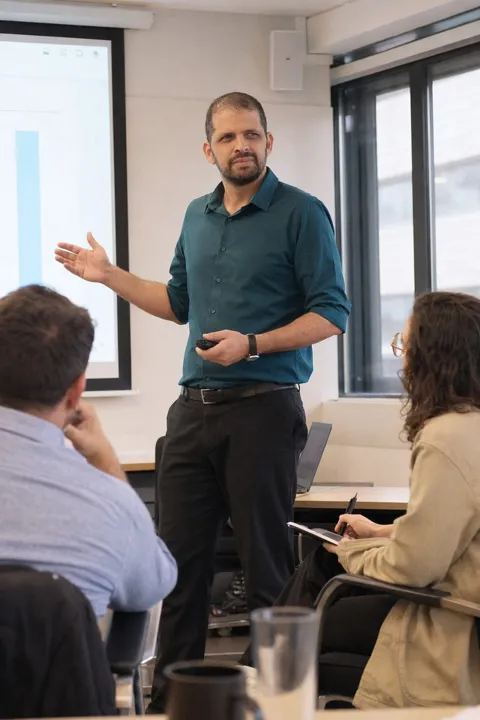
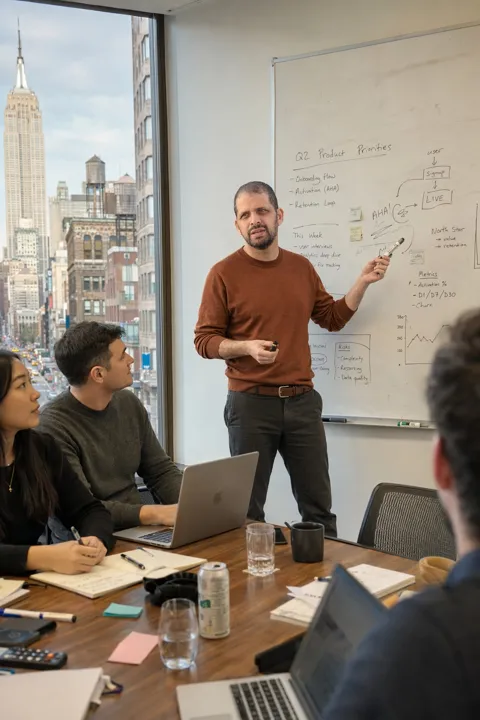
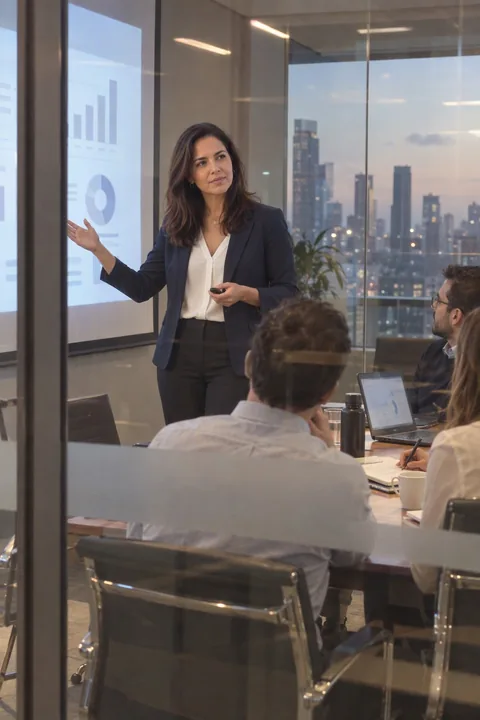
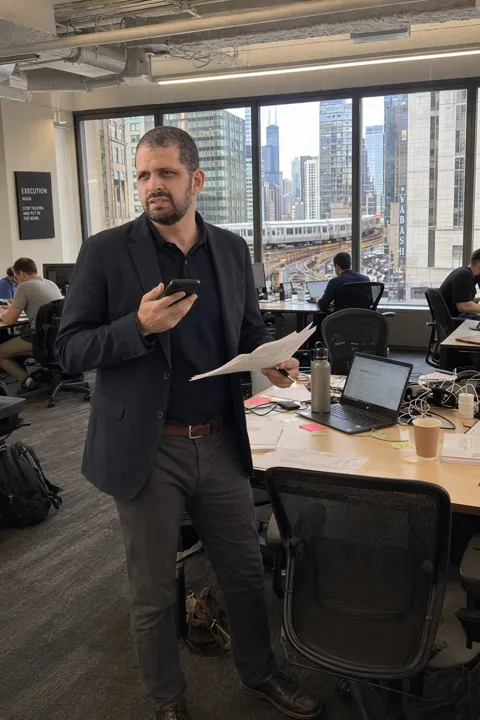
Not another headshot. Photos of you at the whiteboard, in the meeting room, on the stage, in the lobby, generated from two phone photos with your face kept as it is. For the profile, the banner, the posts and every bio page that asks for a picture of you.

See the business set
  • A photo of you, as LinkedIn requires
  • From $2.99, no subscription
  • Uploads never shown, never trained on
Goes in
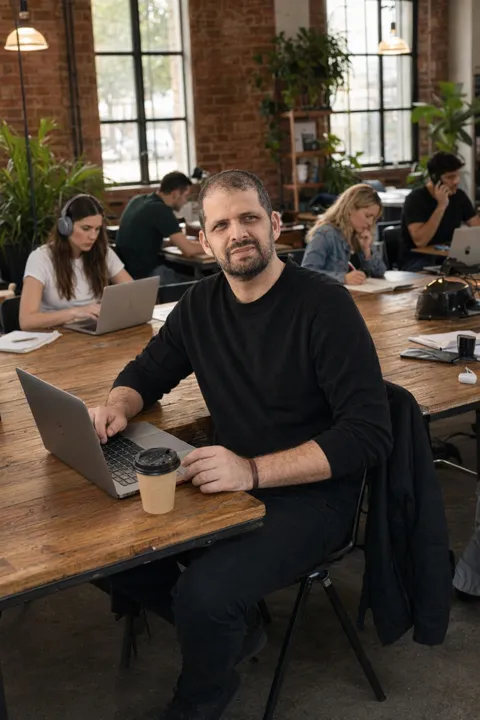
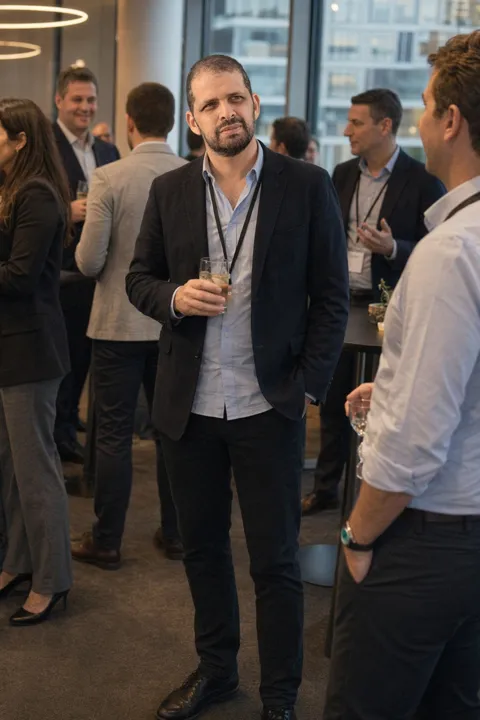
Reference photo: the same man, head lowered, plain wall behind himReference photo: the same man, chin raised and head turned slightly
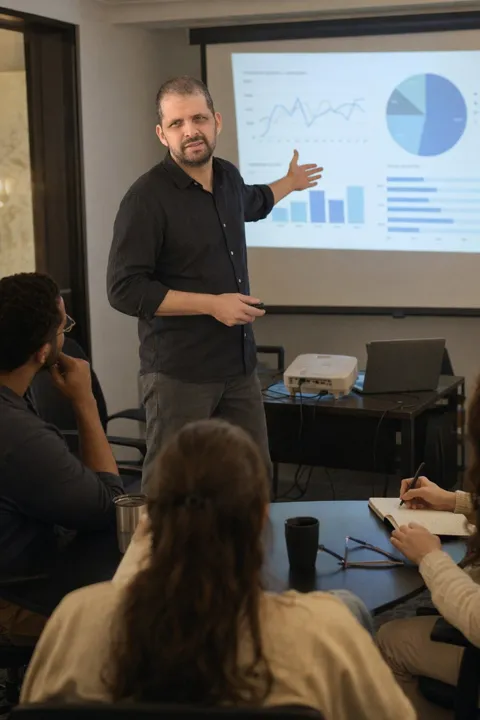
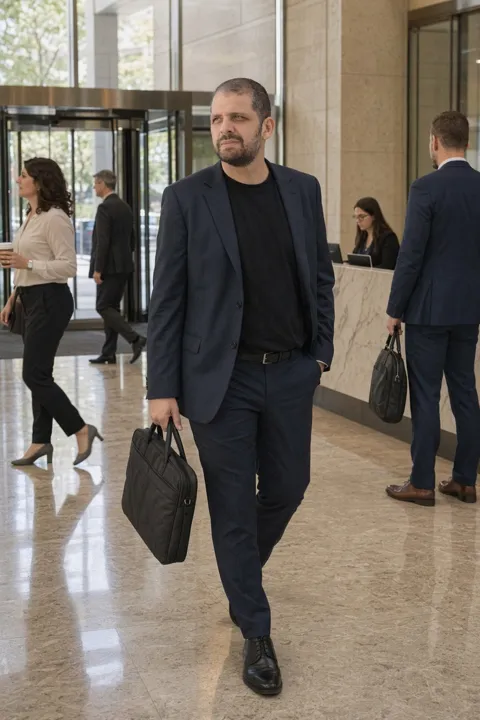
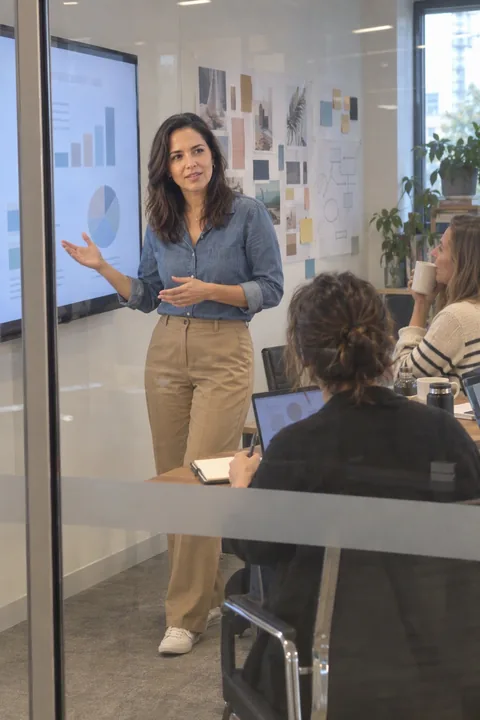
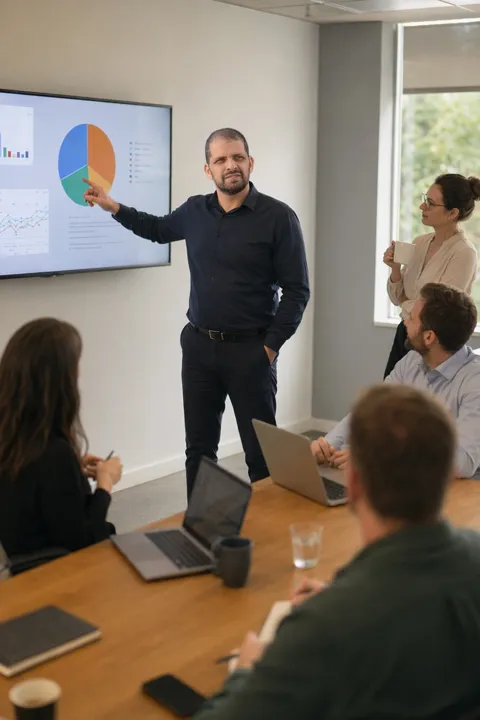
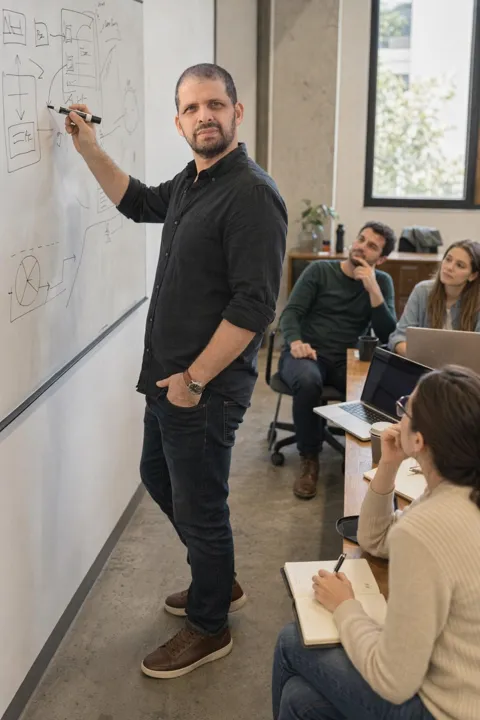
Comes outGenerated photo: the same man presenting on his feet, laptop open, colleagues at the table
Two phone photos against a wall. One of the results: him, on his feet, presenting to a room. Same face, same beard. The shirt and the room are the only things that changed.

LinkedIn is mostly not the profile photo

One portrait covers one square. The banner, the posts, the Featured section and the bio pages all want a picture of you too, and they want different ones. That is where a photo of the work beats a photo of the face.

A photo of the job, not of the face

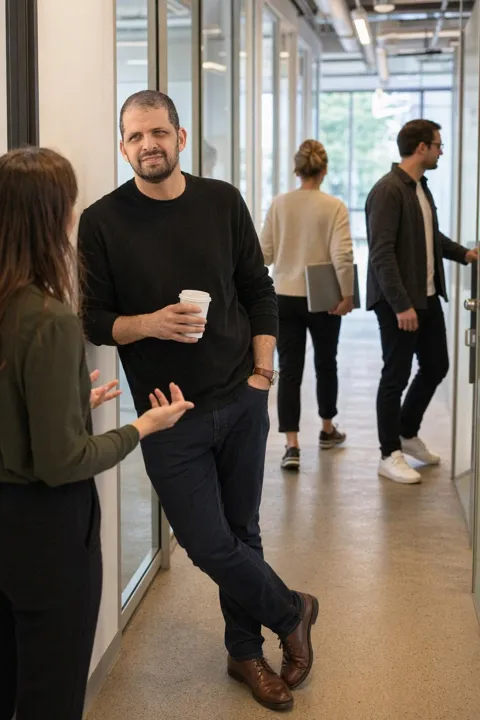
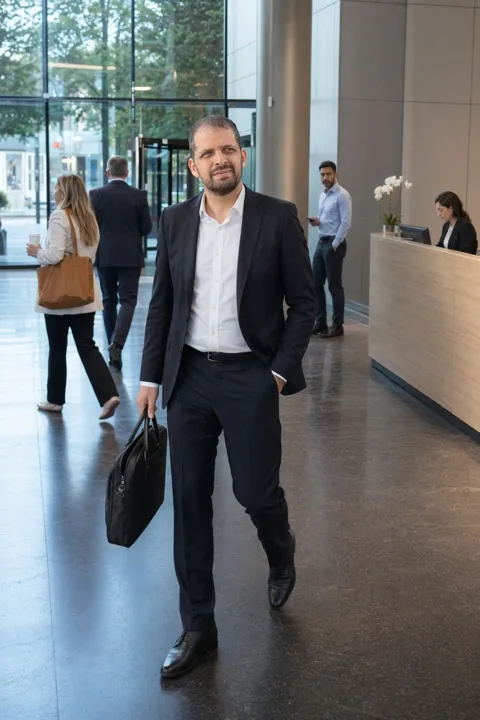
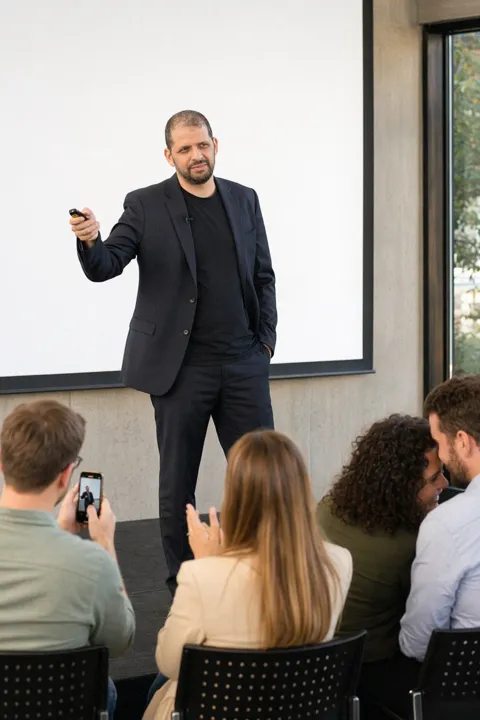
A headshot answers "what do you look like". The people who open your profile are asking "what do you do, and would I want to work with you". A photo of you presenting, at a whiteboard, mid-conversation with a client, answers that before they read a word. CMeIn's business scenes are built for it: real rooms, real light, your face kept exactly as it is, because the people who see it most already know it.

Leading the room

Social composition, at work: colleagues in the frame, you the one holding it. How that reads.

Fix the headshot you have

Stiff shoulders, square to the lens? Pose Maxing moves the pose and nothing else. Try it.

No subscription

Packs from $2.99. A photo is 300 credits. A month of posts for the price of a lunch.

Uploads stay yours

Reference photos are never displayed and never used to train anything. Results are private until you post one.

Where it goes

The profile photo

If you are not a row in a company directory, a portrait says only that you exist. A photo of you at work says what you do, which is the thing a stranger is there to find out.

The banner

The widest empty space on LinkedIn, and most people leave it blue. A wide shot of you presenting or in a room with a team fills it with the job.

Posts and articles

A post with a photo of the author in it travels further than text alone. You need a new one every week, and a photographer cannot follow you around.

The Featured section

Talks, launches, workshops. The slots want pictures of you doing the thing, not the same portrait four times.

Bios and speaker pages

Conference pages, podcast guest slots, the About page on your own site. One portrait does not stretch across all of them.

A headshot, and a photo of you working

What A headshot CMeIn
What it says"I exist, and I own a blazer.""This is what I do, and this is what I look like doing it."
Your faceImproved: smoother, narrower, a few years off. Colleagues notice the gap.Kept. The people who see it most already know your face, and it has to match.
The settingGrey gradient or a blurred office that is nobody's office.A whiteboard, a meeting room, a stage, a lobby. Rooms with the work in them.
How manyOne portrait, used everywhere until it goes stale.A set: profile, banner, posts, Featured, bios. Each from the same two phone photos.
Where it winsThe company directory, where every photo has to match the others.Everywhere else on LinkedIn, and every bio page that is not a directory.
Paying for itA pack of near-identical portraits, or a subscription.Credit packs from $2.99. 300 credits a photo, nothing recurring.

For a company directory, where every photo has to match the others, a headshot is still the right answer. We say so at length.

The business set

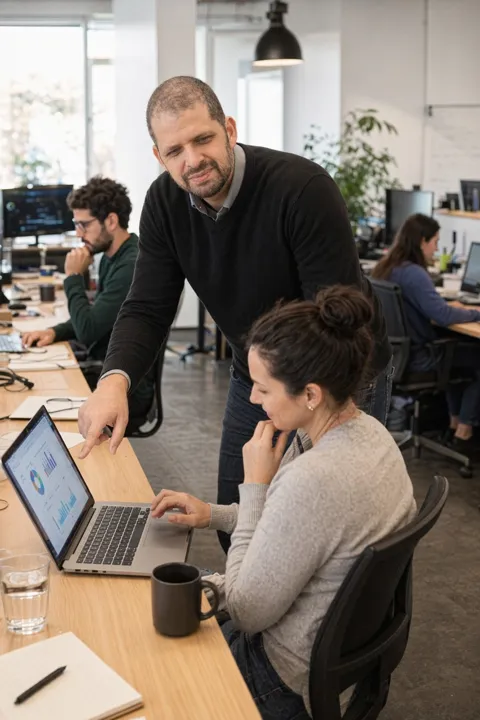
Results from the business category for two of our own accounts, the founder and Layla. One upload each, every room.

Whiteboards, meeting rooms, a stage, a lobby, a handshake. More scenes, including the ones that are not work.

Never the same twice

Pick the same scene as someone else. You still get your own photo.

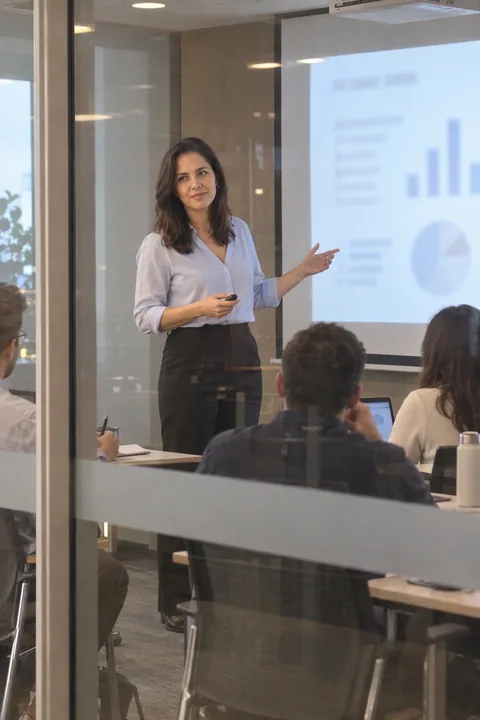
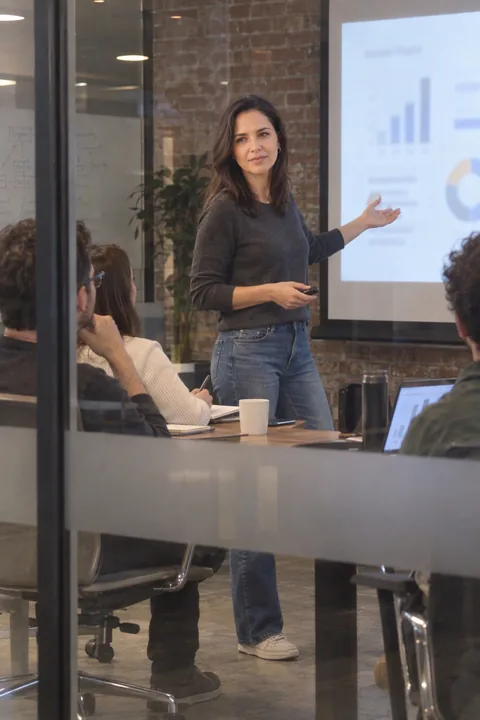
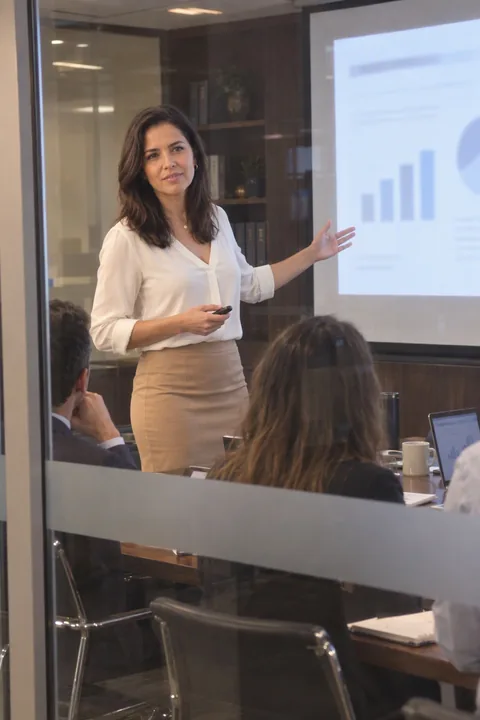
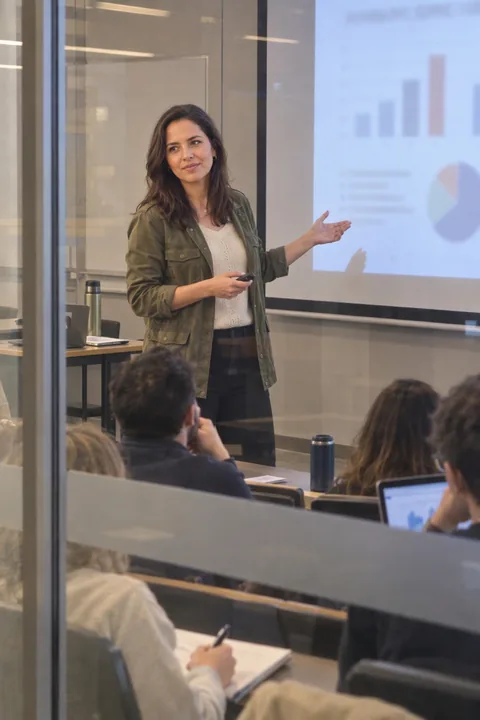
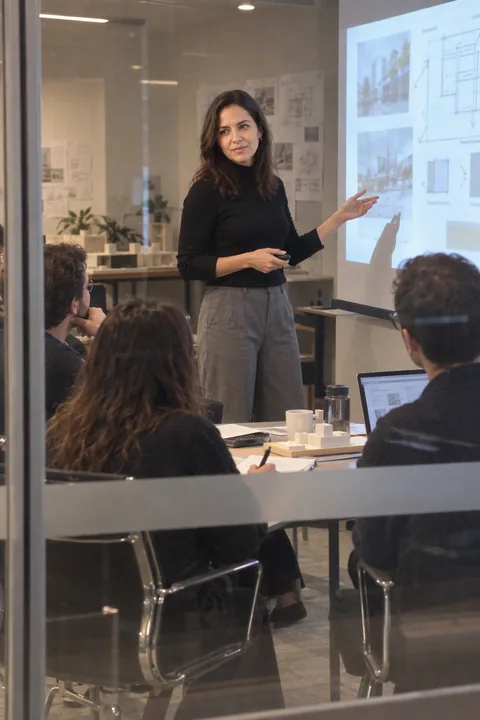
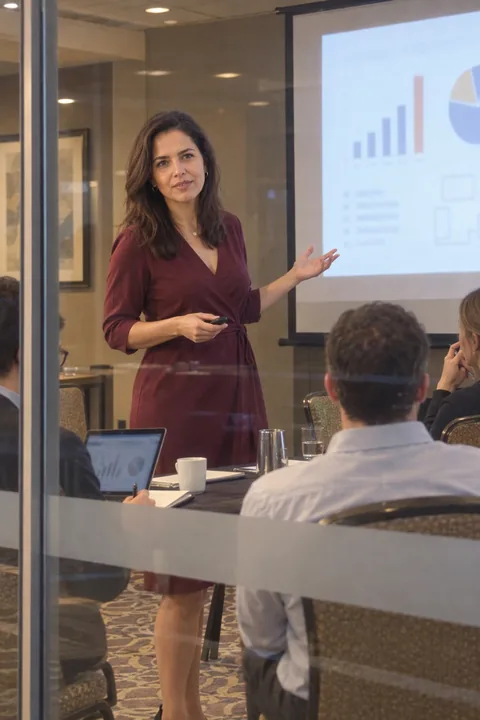
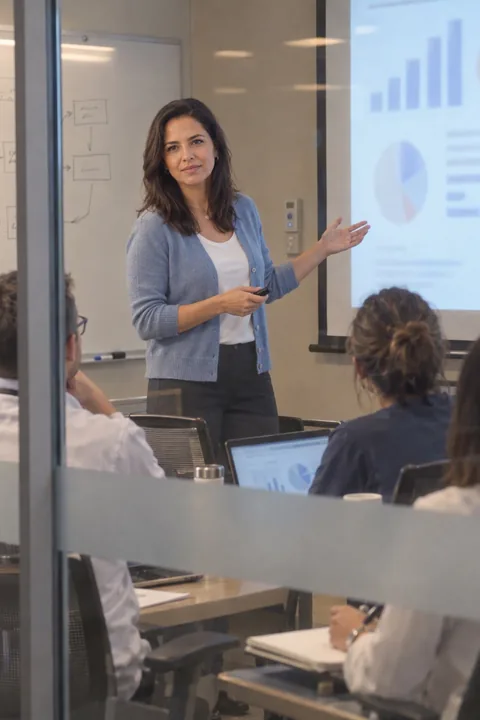
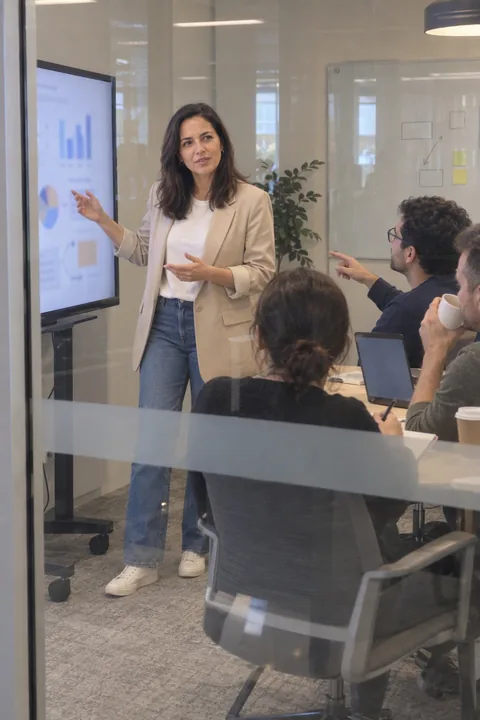
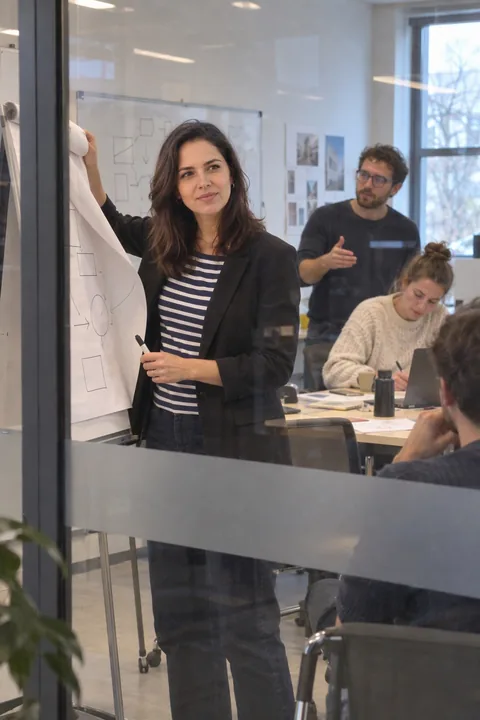
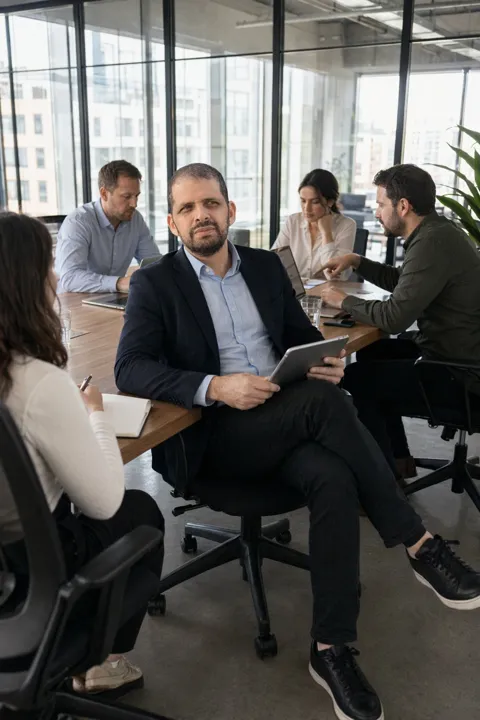
A scene is a starting point, not a template. Every generation begins fresh: the light, the angle, where the people around you stand, what is on the table, all of it moves each time. The three photos beside this were made from one scene choice, "glass meeting room", and no two are the same picture.

  • Different light and angle on every run.
  • Different people around you, different room details.
  • The same choice twice on your own account gives you two photos, not a copy.
  • What stays constant is your face.

Nobody else ends up with your picture, and your profile never looks like it came off a shelf.

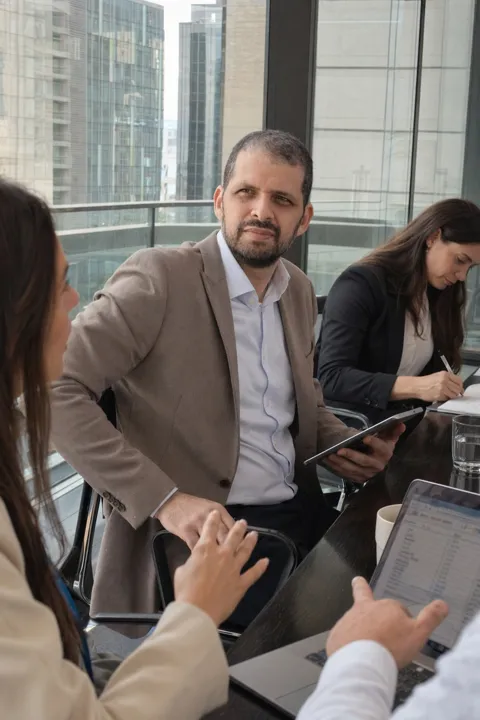
Glass meeting room, first result: seated with colleagues around a tableGlass meeting room, second result: at a round table, a colleague acrossGlass meeting room, third result: leaning back, team in conversation

One scene choice, three photos. "Glass meeting room", generated three times. Same face, nothing else repeated.

Social composition

The room is the credential

A portrait has nobody else in it, so it cannot show you leading anything. A photo of you mid-sentence with a team turned towards you does, without a caption. That is social composition applied to work:

  • You are the one the room is facing.
  • There is work visible: a board, a deck, a table of papers.
  • Other people are in the frame, which no headshot can offer.
  • It reads as a Tuesday, not as a shoot.

Every business scene is composed this way before you choose it. Why social composition works.

Colleagues in the frame, you holding it. A banner that shows the job instead of a blue rectangle.

See the set
Pose Maxing

Keep the headshot. Lose the stiffness.

The portrait you already have is probably fine except for the posture: standing to attention, shoulders up, hands with nowhere to go. Pose Maxing corrects the posture in the photo you have and leaves the background, the blazer and the face exactly as they are.

  • Weight to one side, shoulders turned a few degrees.
  • Hands: a sleeve, a pocket, a folded arm.
  • Chin level, eyes to the lens.
  • A real expression where the held smile was.

Upload your current LinkedIn photo and see what it would change.

The same headshot, standing like a person. Background, blazer and face untouched.

Try Pose Maxing

How it works

  1. 1
    Two phone photos, different angles. No studio, no stylist. The app says which angles it still needs.
  2. 2
    Pick the rooms. Whiteboard, meeting room, stage, lobby, coworking desk, or describe your own.
  3. 3
    Download the set. Profile, banner, posts. Private to your account until you post one.

What it costs

Packs, not a plan. 300 credits a photo. Full pricing.

Profile and banner$2.99600 credits · 2 photos
The whole profile$20.994,800 credits · 16 photos

Questions people actually ask

Is this an AI headshot generator?
No. If what you need is a studio portrait to match a company directory, a headshot tool will do that better and we say so on its own page. This is for the rest of LinkedIn: the banner, the posts, the Featured section, and the profile photo of people whose LinkedIn is their storefront. when a headshot is the right call
Does LinkedIn allow AI photos?
LinkedIn requires that your profile photo be a photo of you, and these are: generated from your own face, with your face kept as it is. What LinkedIn acts against is a photo of someone else or a face that misrepresents you, which is the same line CMeIn holds.
Will colleagues be able to tell?
They will be able to tell it is you, which is the point. The test the product is built against is whether someone who knows your face would pause. No smoothing, no slimming, no years taken off. why likeness is the hard part
My current headshot looks stiff. Can that be fixed instead?
Usually. Stiffness is a pose problem: square to the lens, shoulders up, hands with nothing to do. Pose Maxing moves only the pose and keeps the background, the clothes and the face exactly as they are. try Pose Maxing
How many photos do I need to start?
Two, at different angles, from your phone. The app checks them against five key poses and asks for more only if fewer than two are covered. More angles sharpen the likeness.
Who can see my uploads?
Nobody. The reference photos you upload are never displayed anywhere and never used to train models. Generated photos are private to your account until you put one on a profile.

A LinkedIn that shows the work.

Two phone photos in, a profile's worth of you at work out. From $2.99, no subscription.

Reconnecting…